Module 3 Formstorming

Weekly Activity Template

Thanh Nguyen Thi Kieu


Project 3


Module 3

PLACEHOLDER TEXT, put a description here or you will lose grades

Activity 1
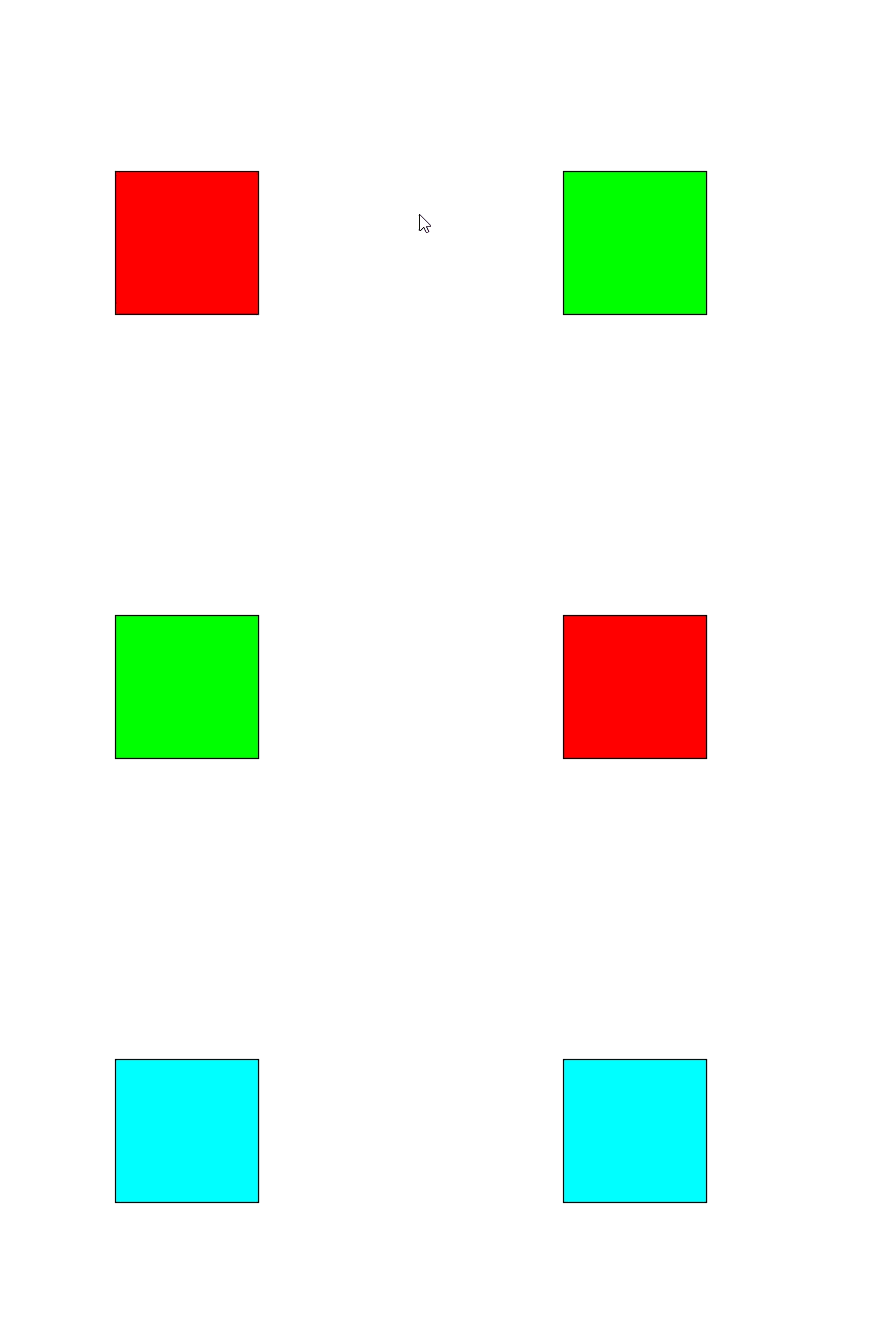
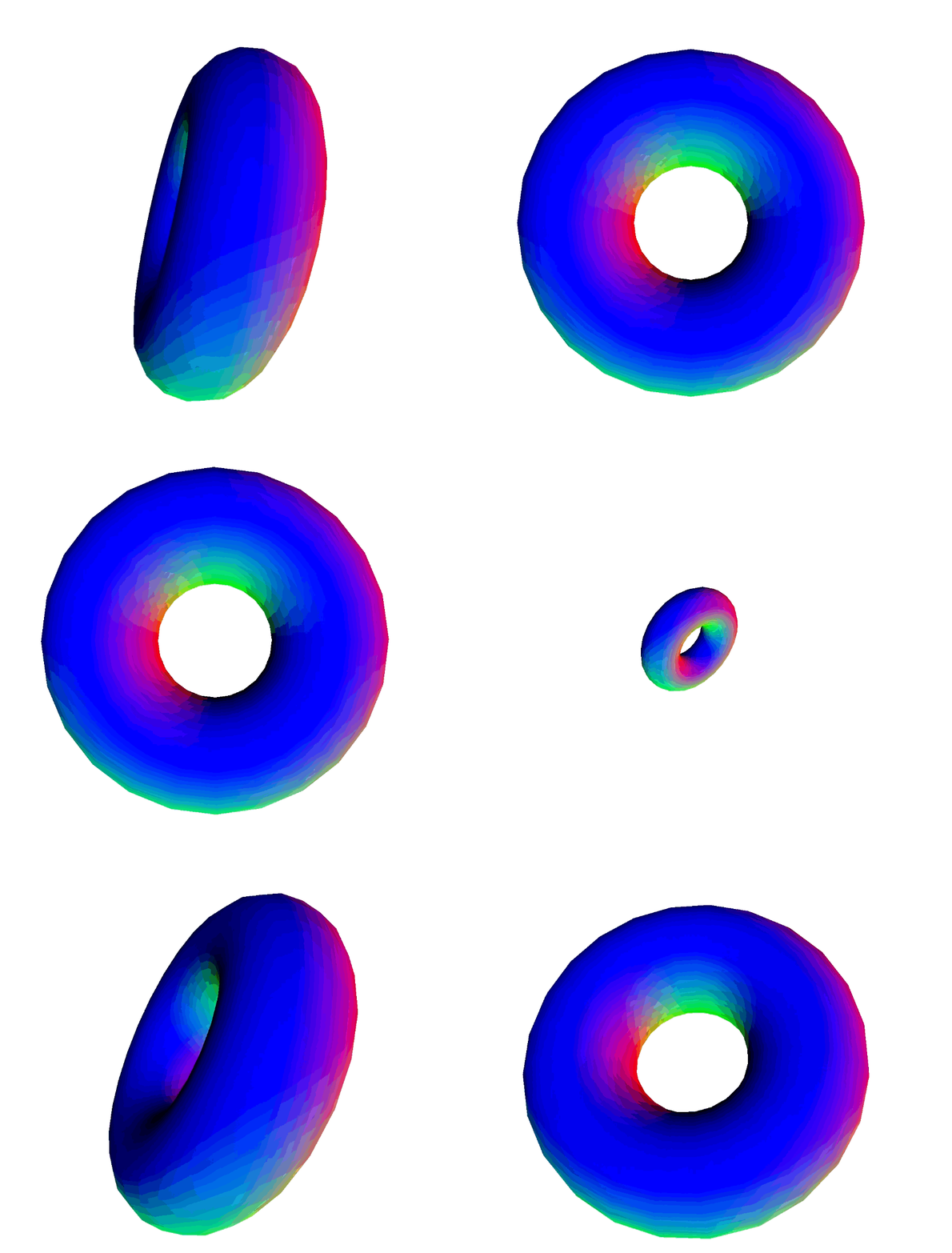
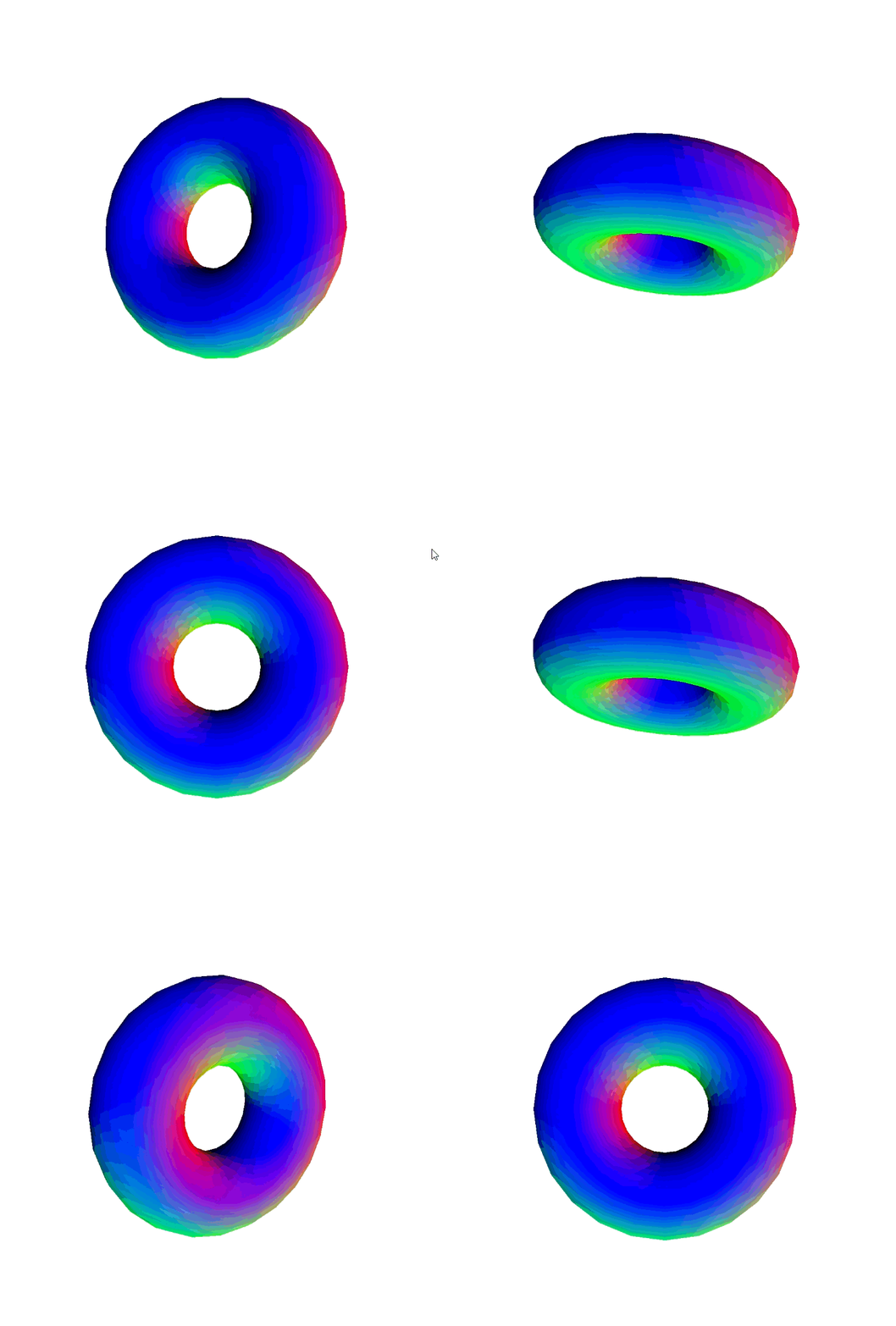
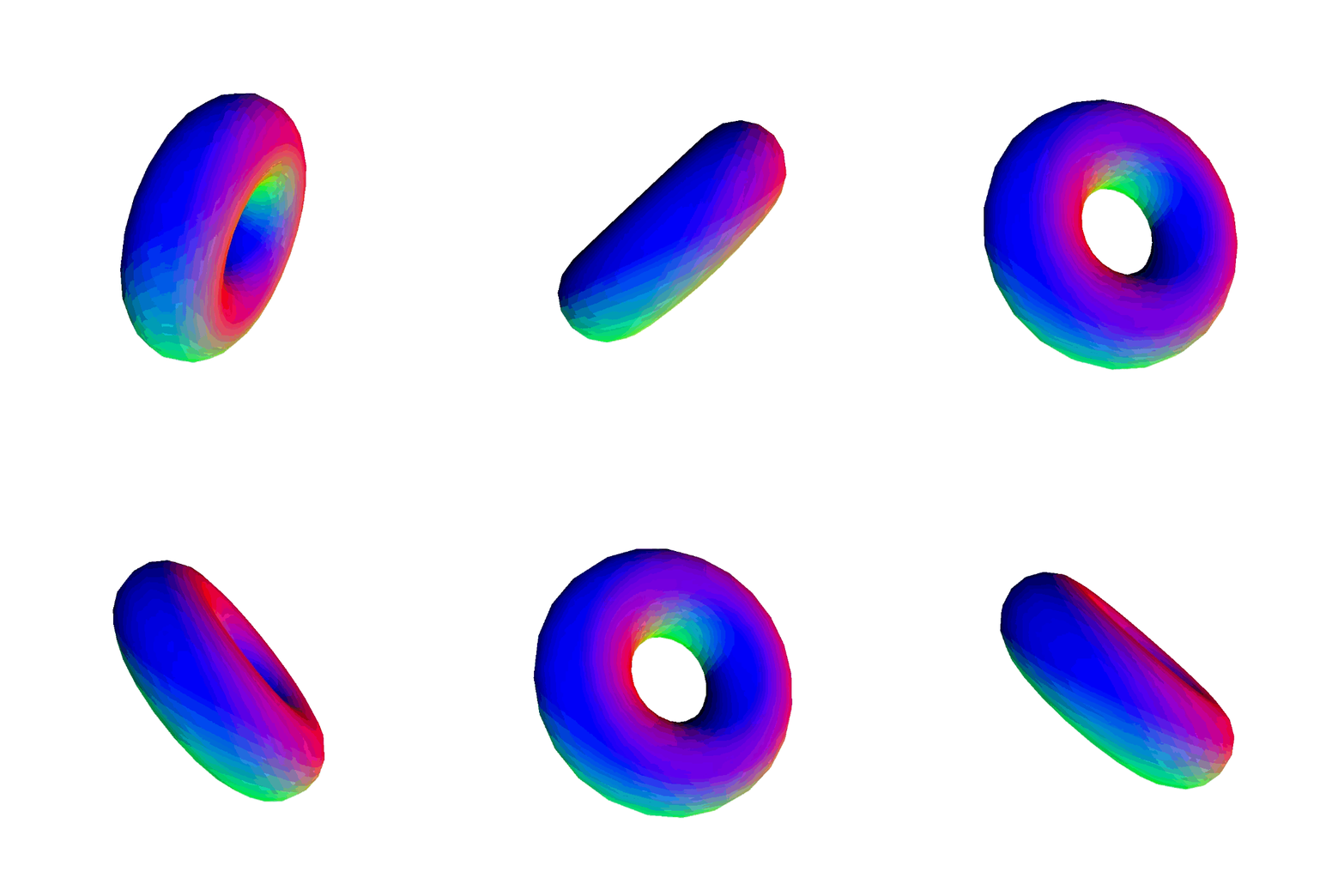
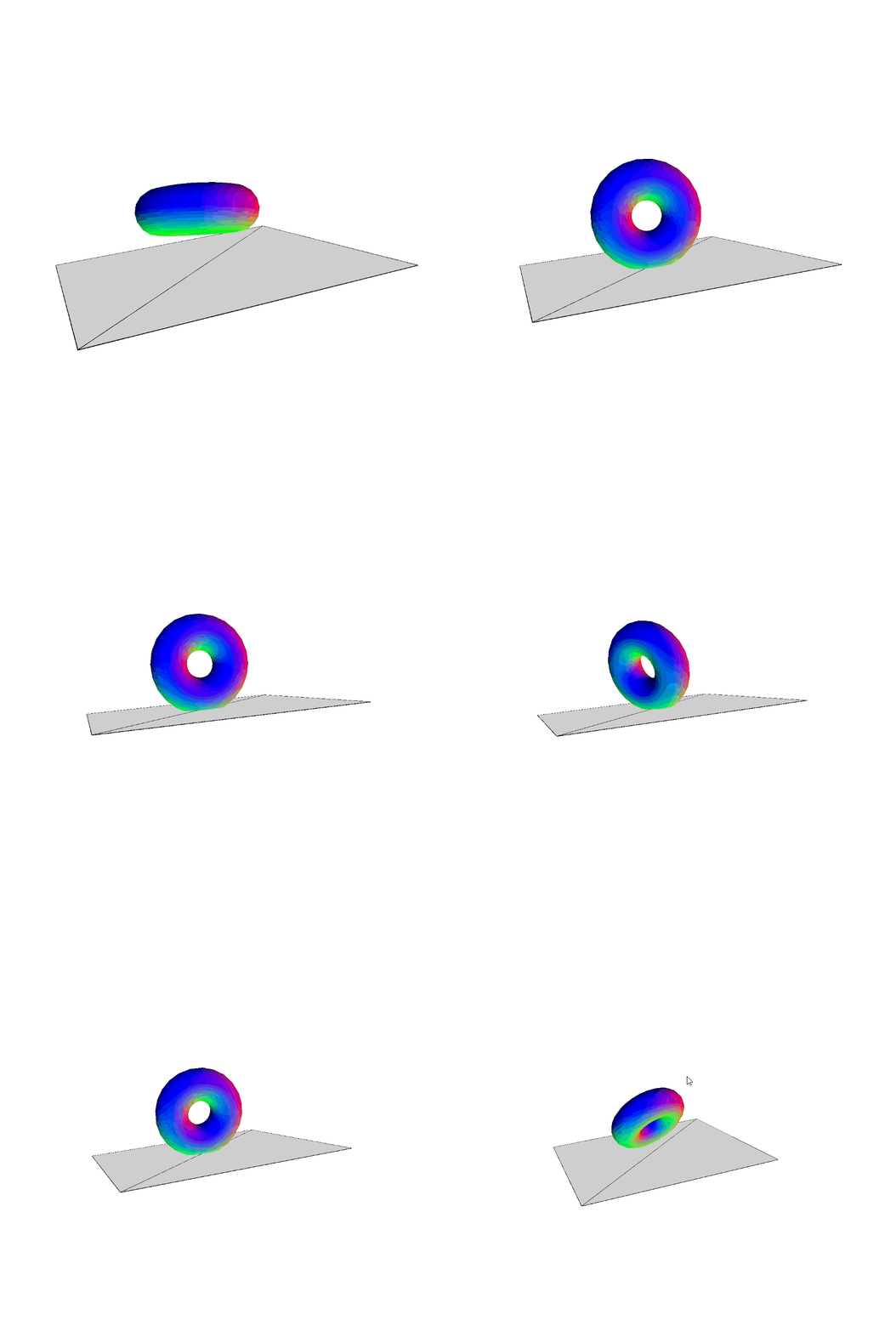
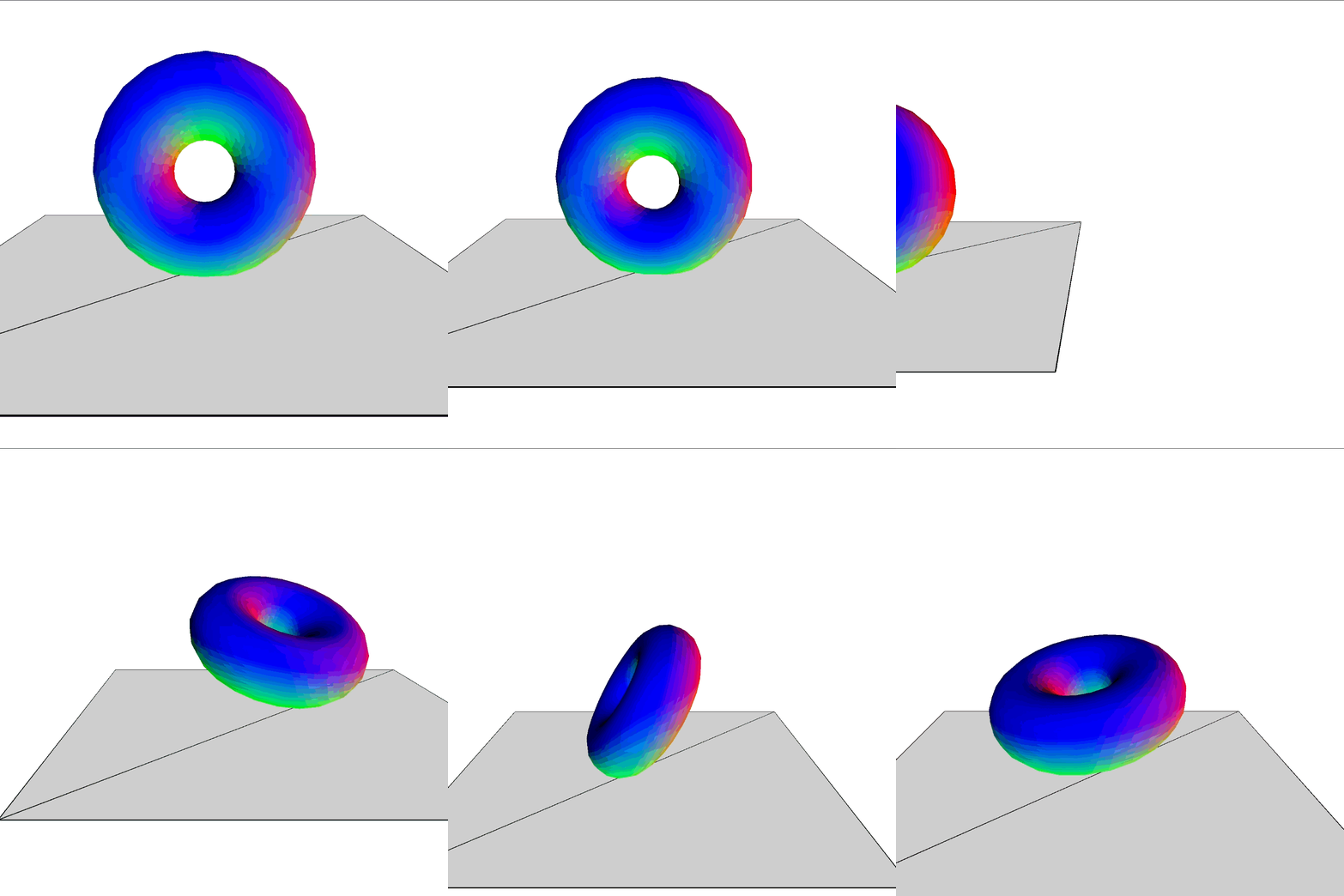
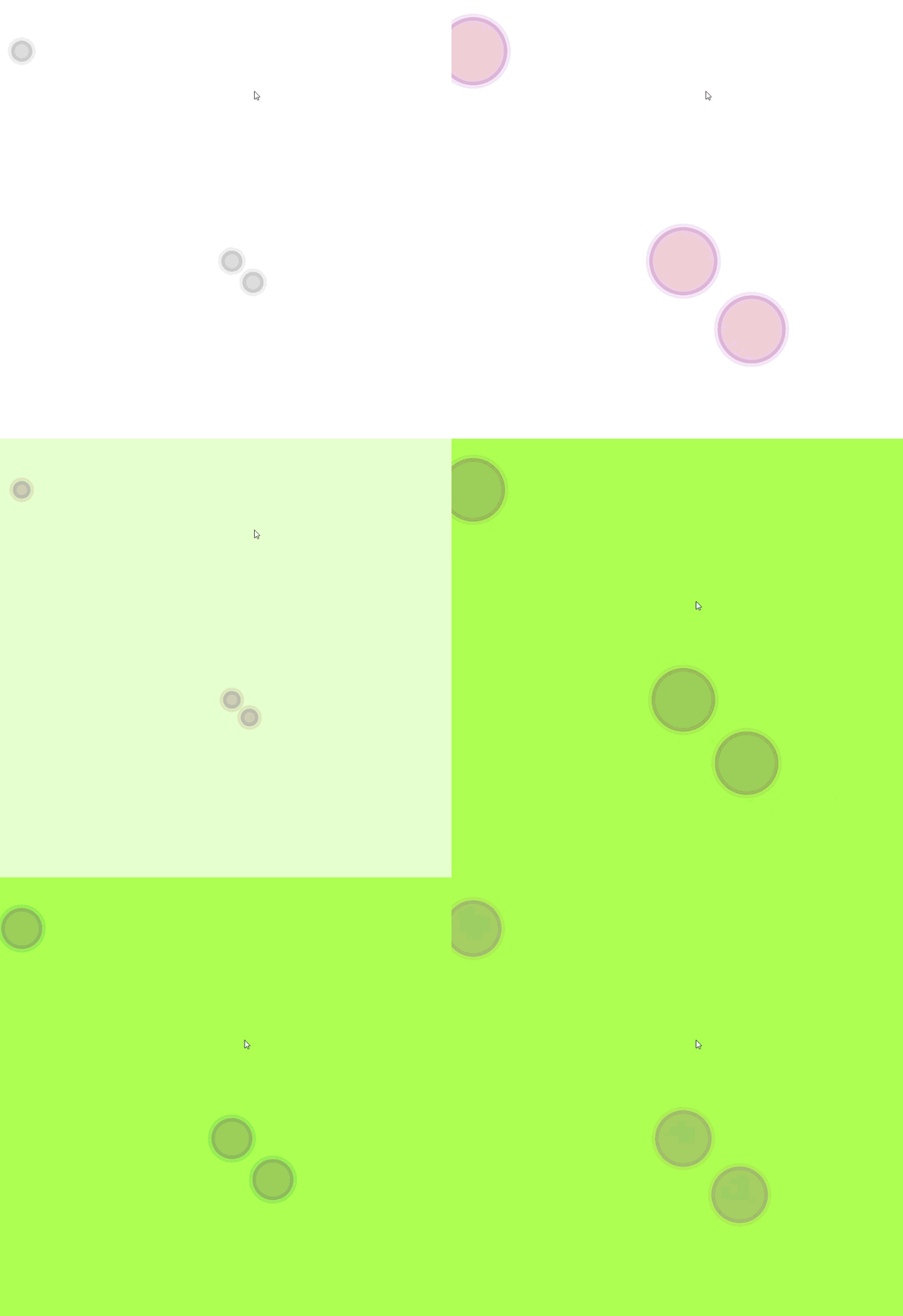
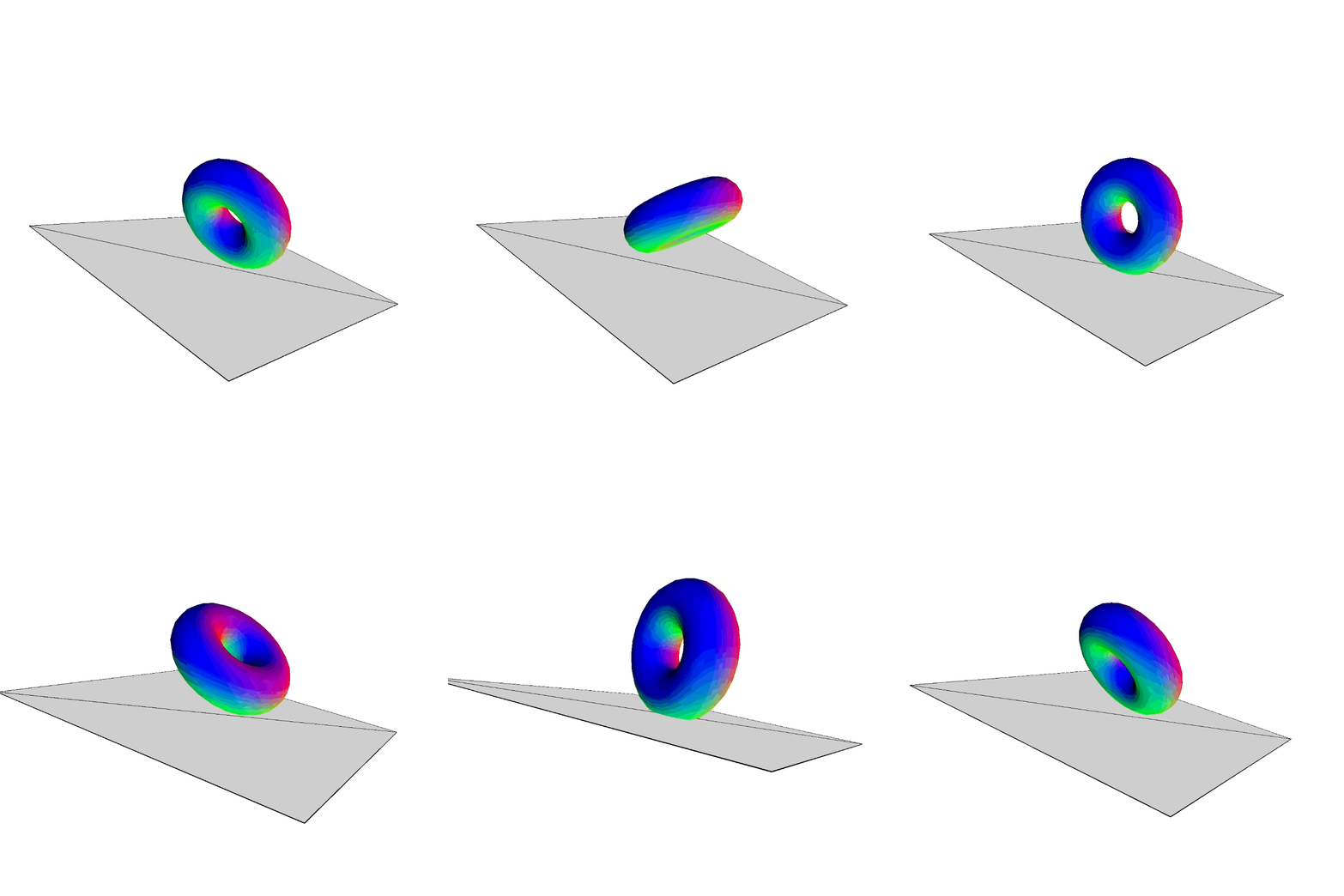
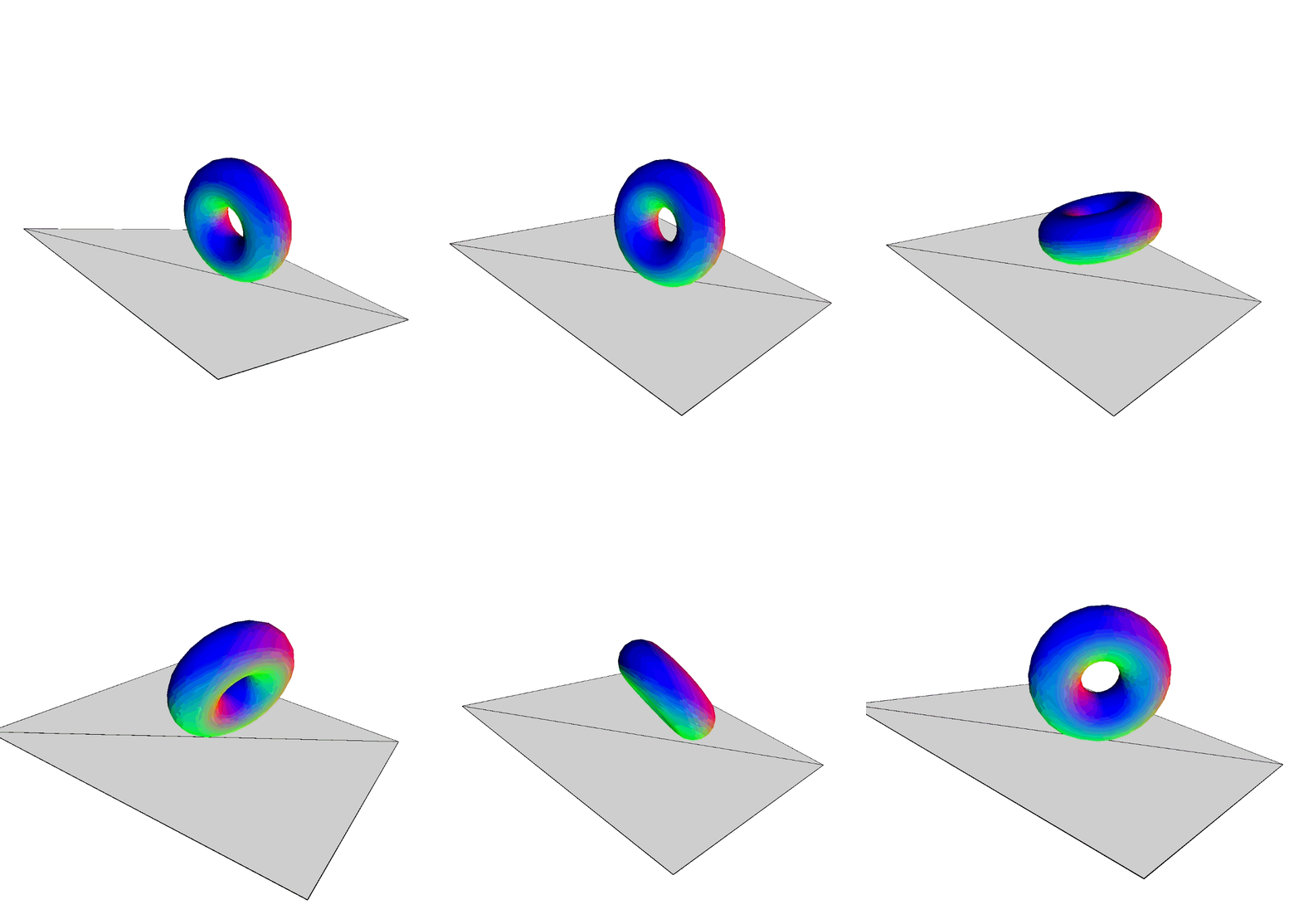
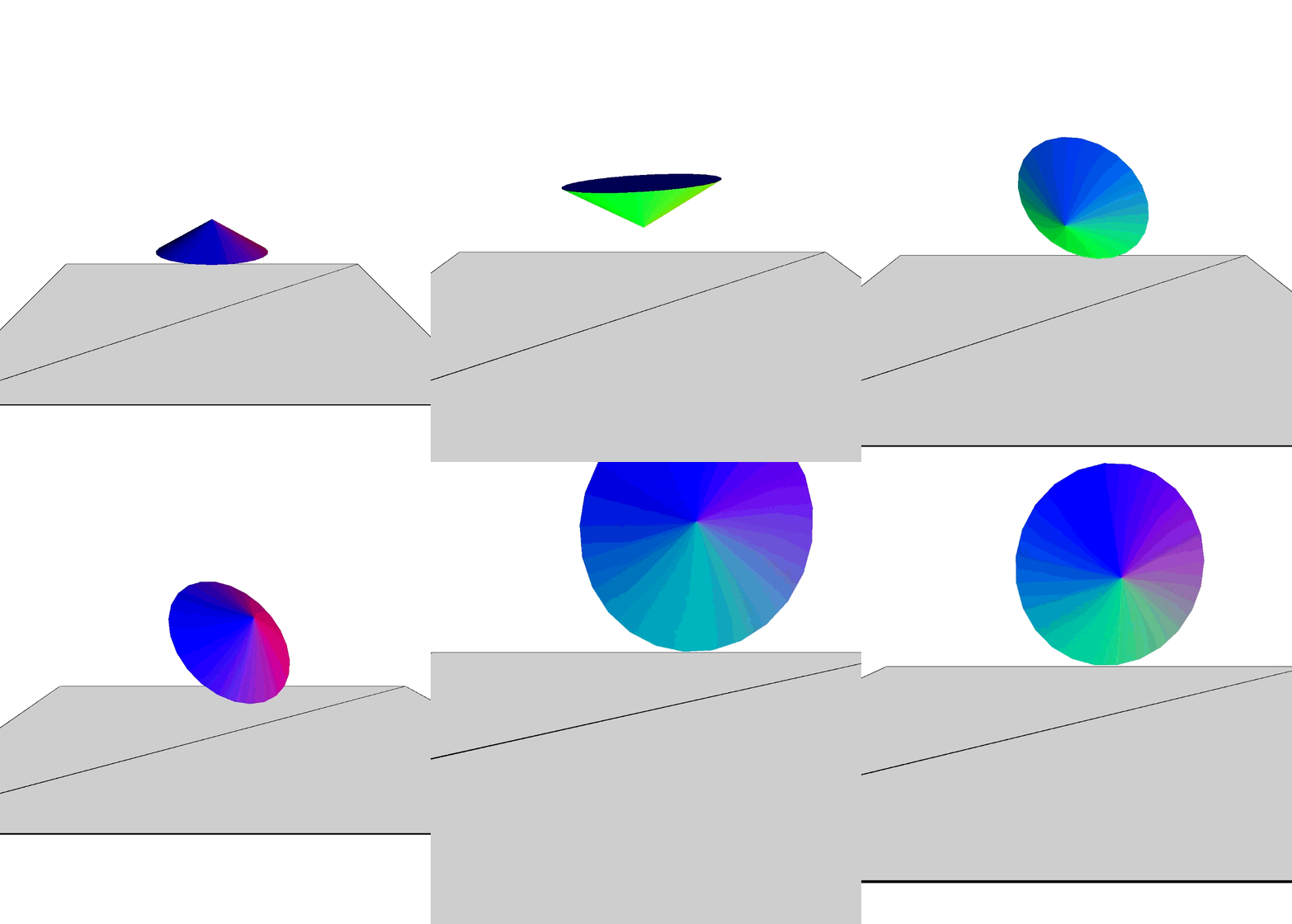
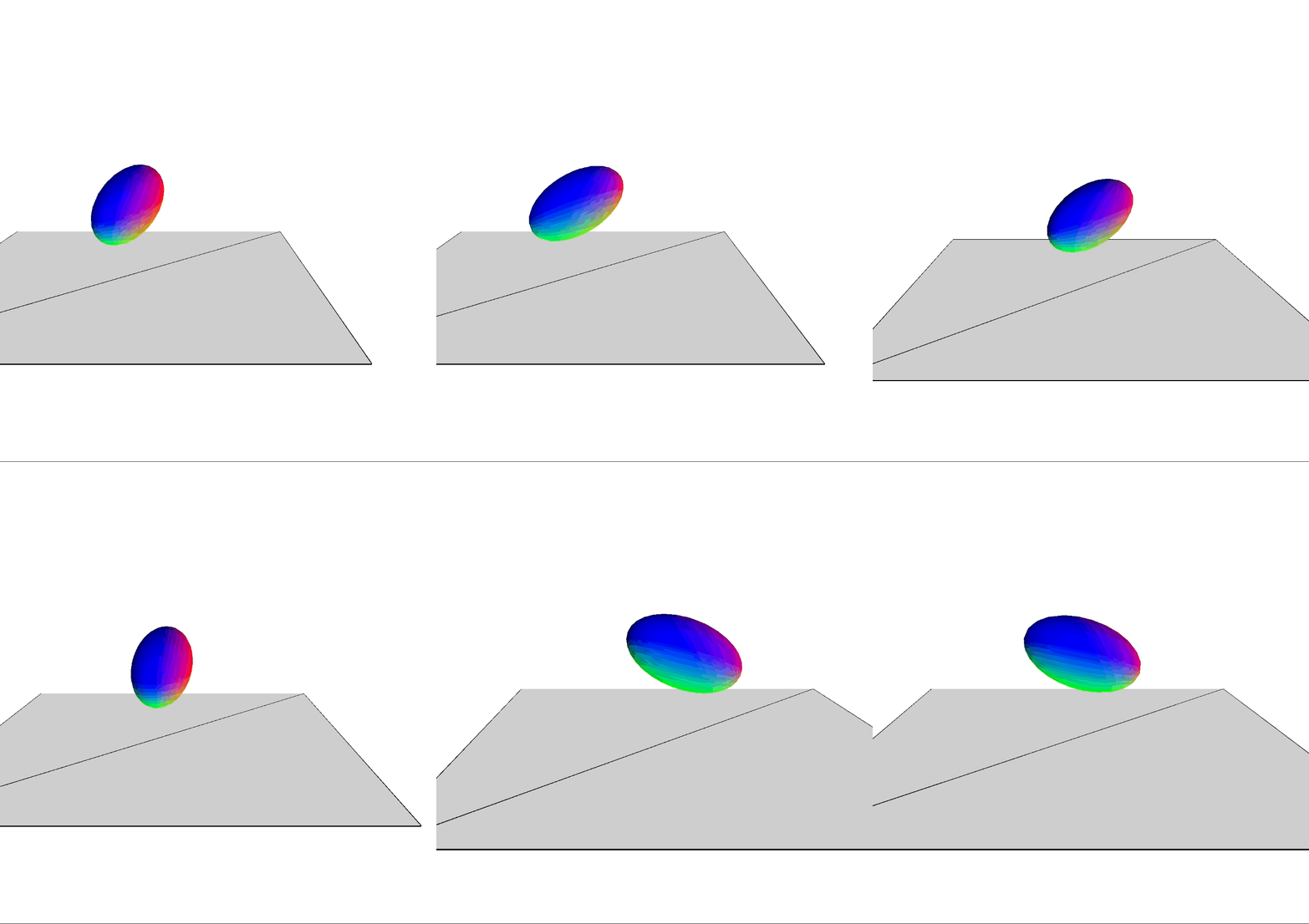
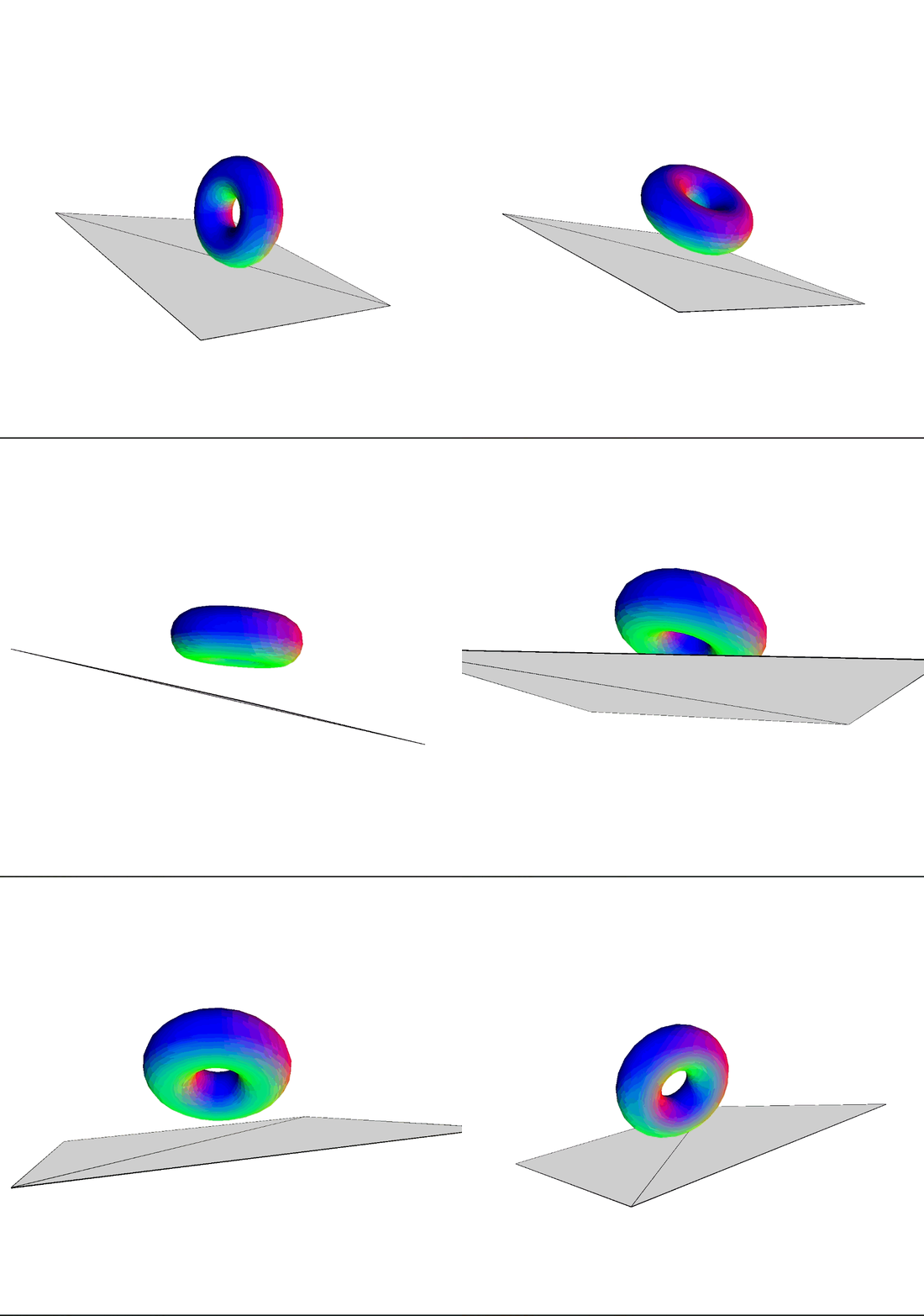
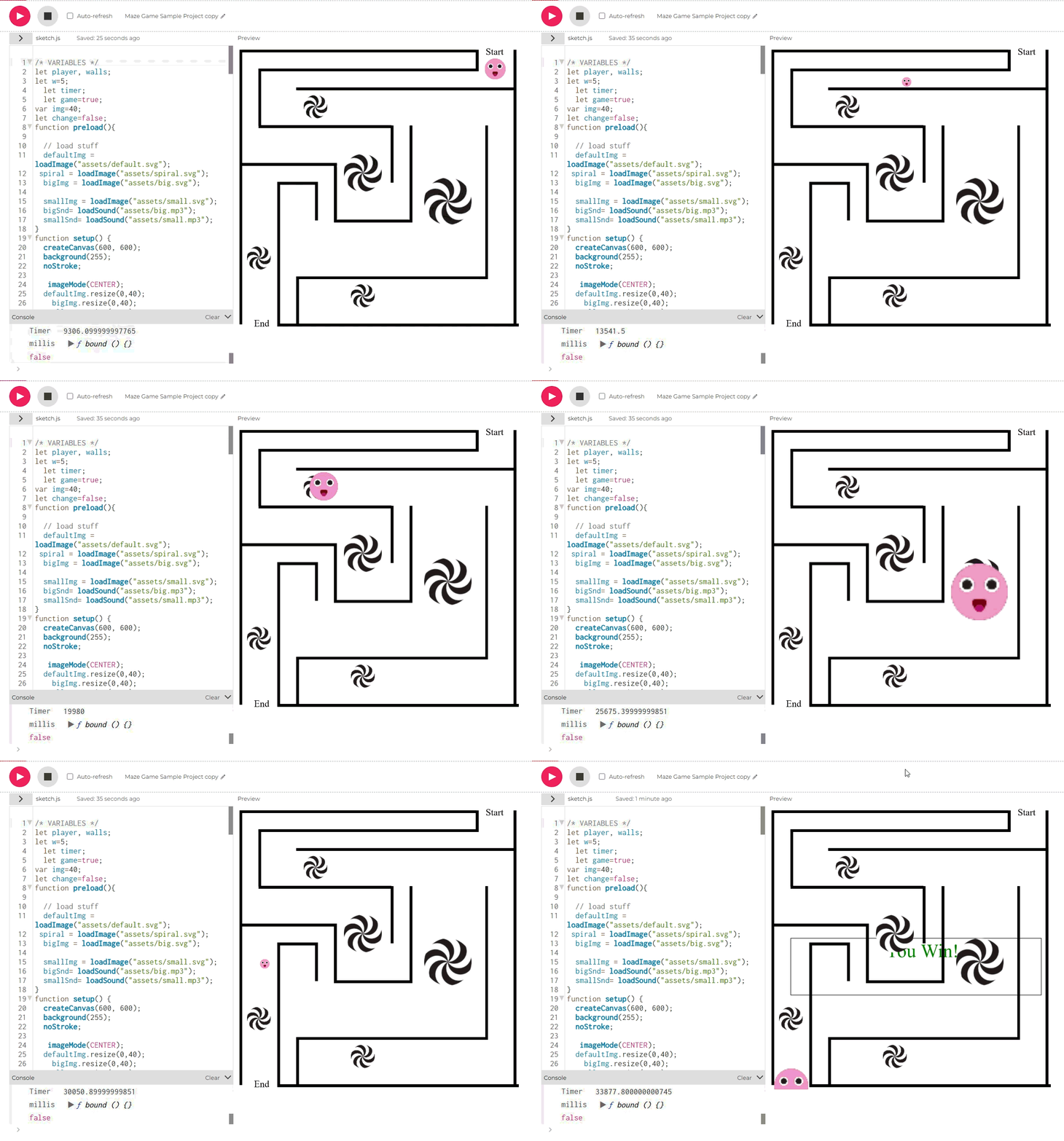
I followed the provided code. I found out that you can make a slow transition of color by manipulating the color variables. I followed the provided code. I followed the provided code. I experimented on different input types. It did not went well. I experimented on different input types, but this time I change the if KeyPressed() conditional into different buttons. I followed the provided code. I read the documentation on this code. It rotates by the original object. So if I design a project with this in mind, I have to be careful about which object should have the focus of the camera. Maybe like those plane simulator game? I followed the provided code. This type of control reminds me of those find the hidden character game. I followed the provided code. The sound spooks me the first time I tried it. I think there is options to try different decible of voice depends on where the character is. I experimented on voice pitch changing when the character is moving up and down. I also makes the movement more stable. I experimented on different sound volume and other numbers in the code. I followed the provided code. The sound spooks me the first time I tried it. I change the number of dots in the code. I change the sensitivity of the circle by changing the number on the map(). I also make the colors random. I got a headache the first time I tried it thanks to all the flashing lights. I change the frequency of both the noise and the background. I tried making the square move, but ended up with a slowly expanding area. I succesfully make the square movement behaves like a normal character. I make the square duplicate itself by removing the background(). I followed the provided code. This is where the idea of making a game comes from. I change the background depends on where the object is. I chang the rotation rate of the object I made a variable that will change the spinning rate of the object when you move. I change the object in to a cone I change the object in to a ellipsoid. The ellipsoid makes a very interesting illusion. I combine both the sketch 3 and 4 and the movement was quite weird. I change the background depends on where the object is. I fixed the color problem. now you can be almost anywhere in the screen and it would not be black and white for half of it.

Activity 2
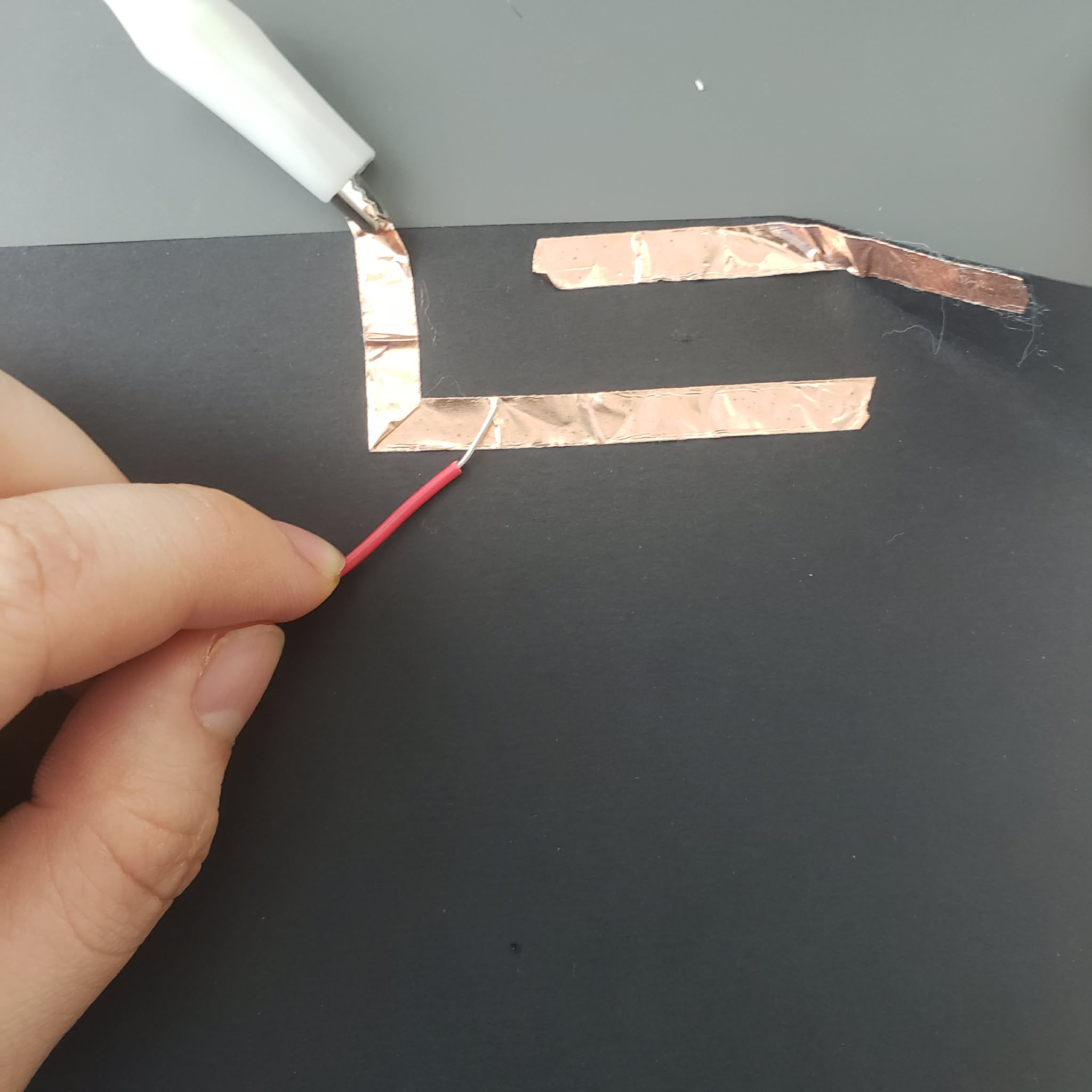
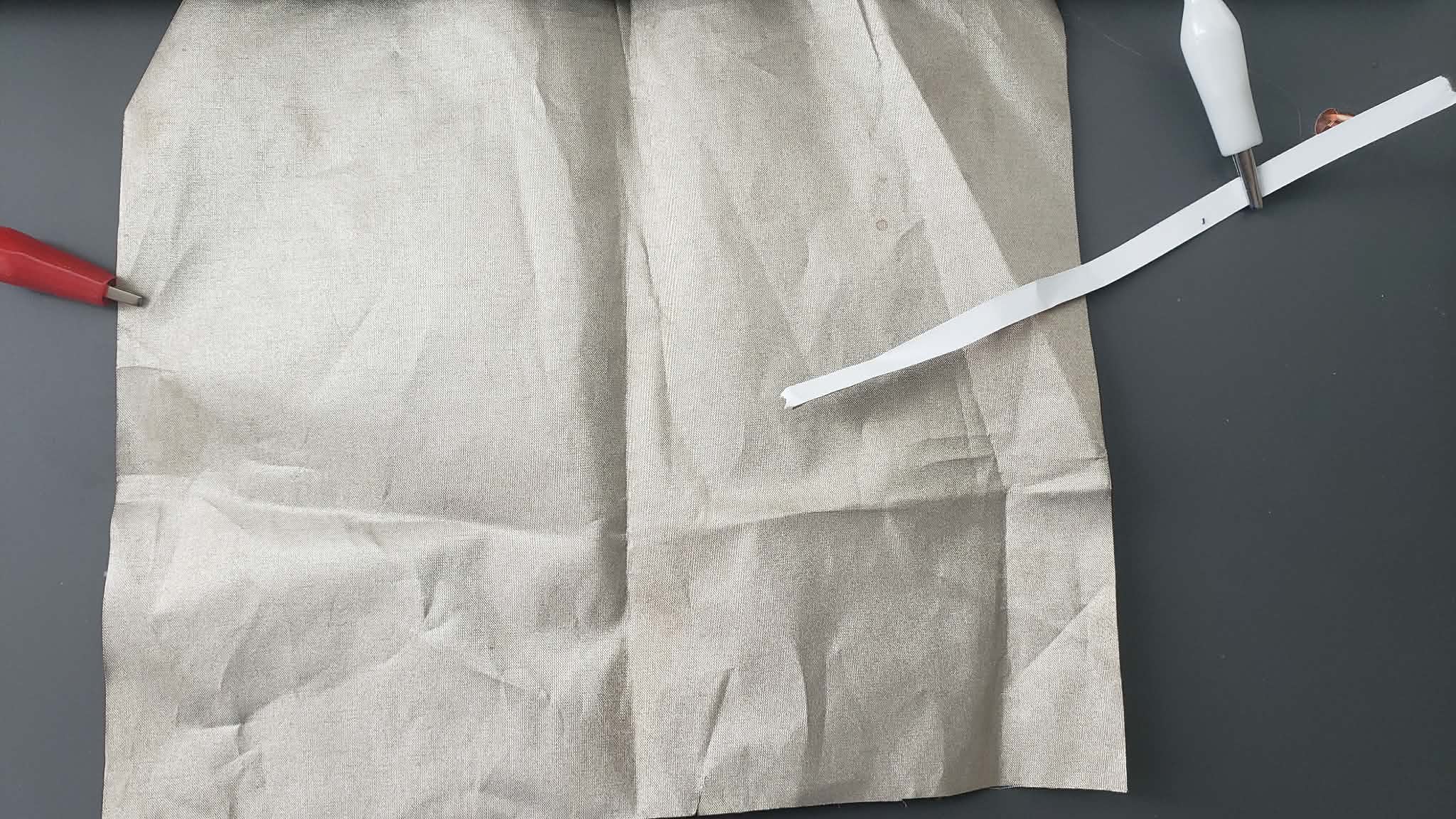
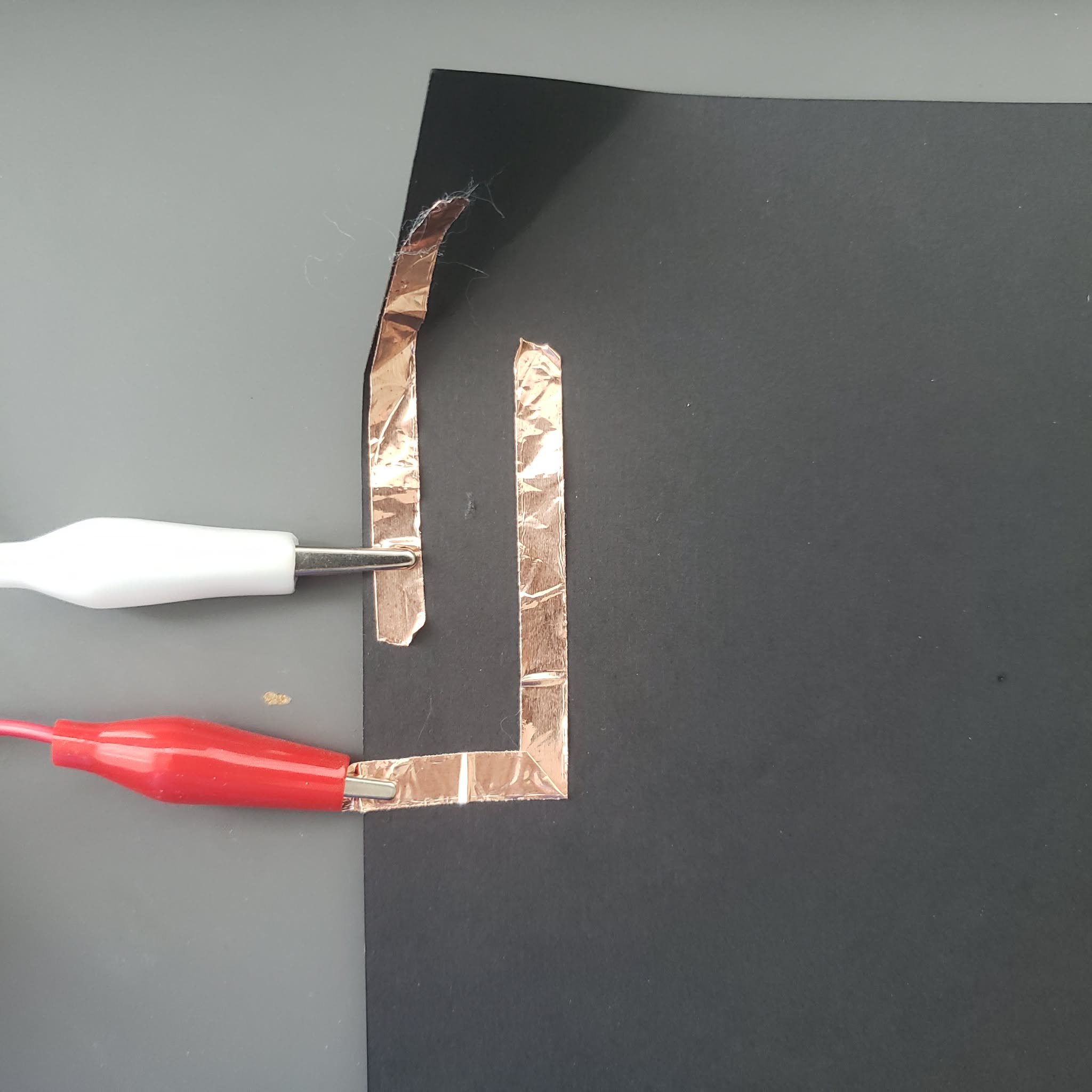
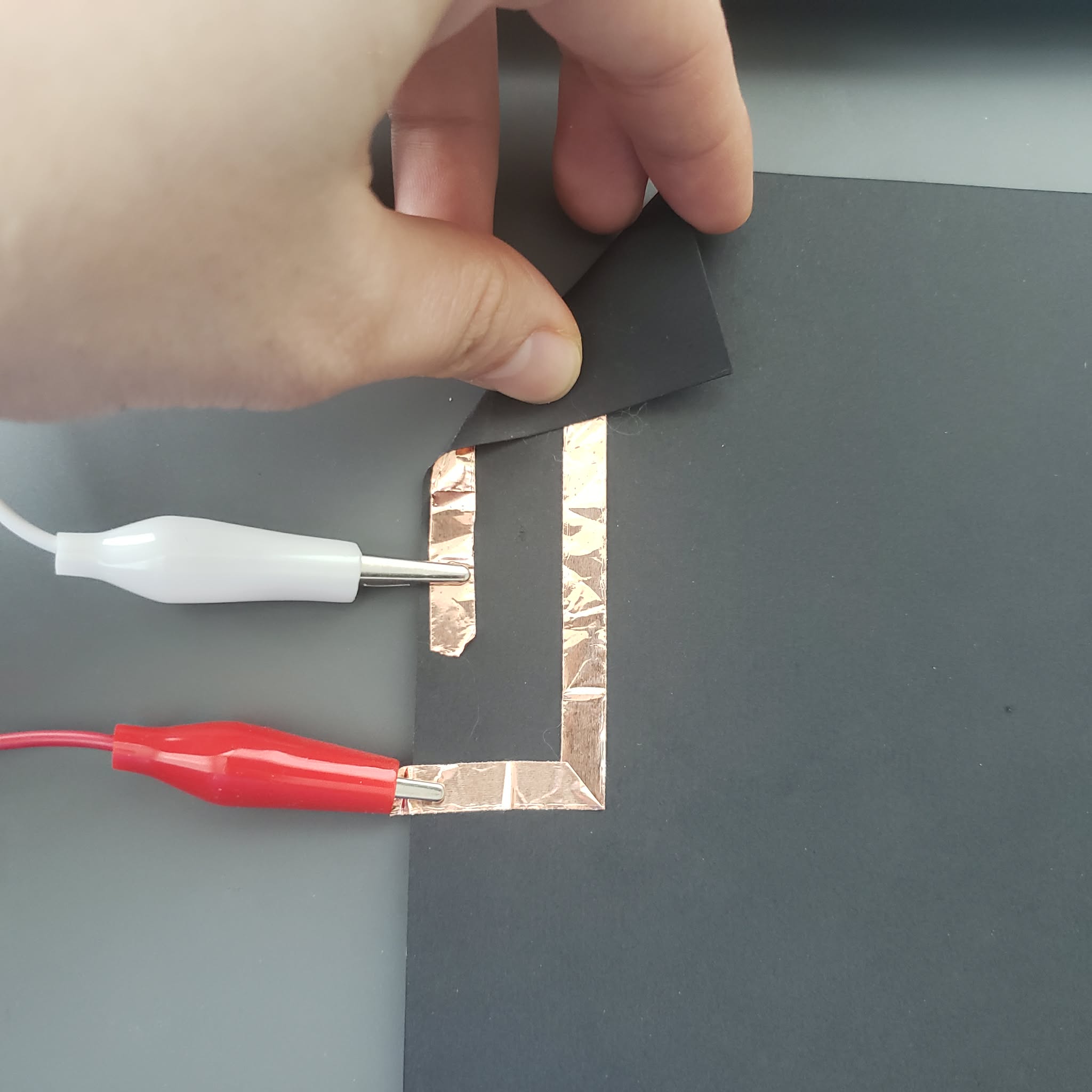
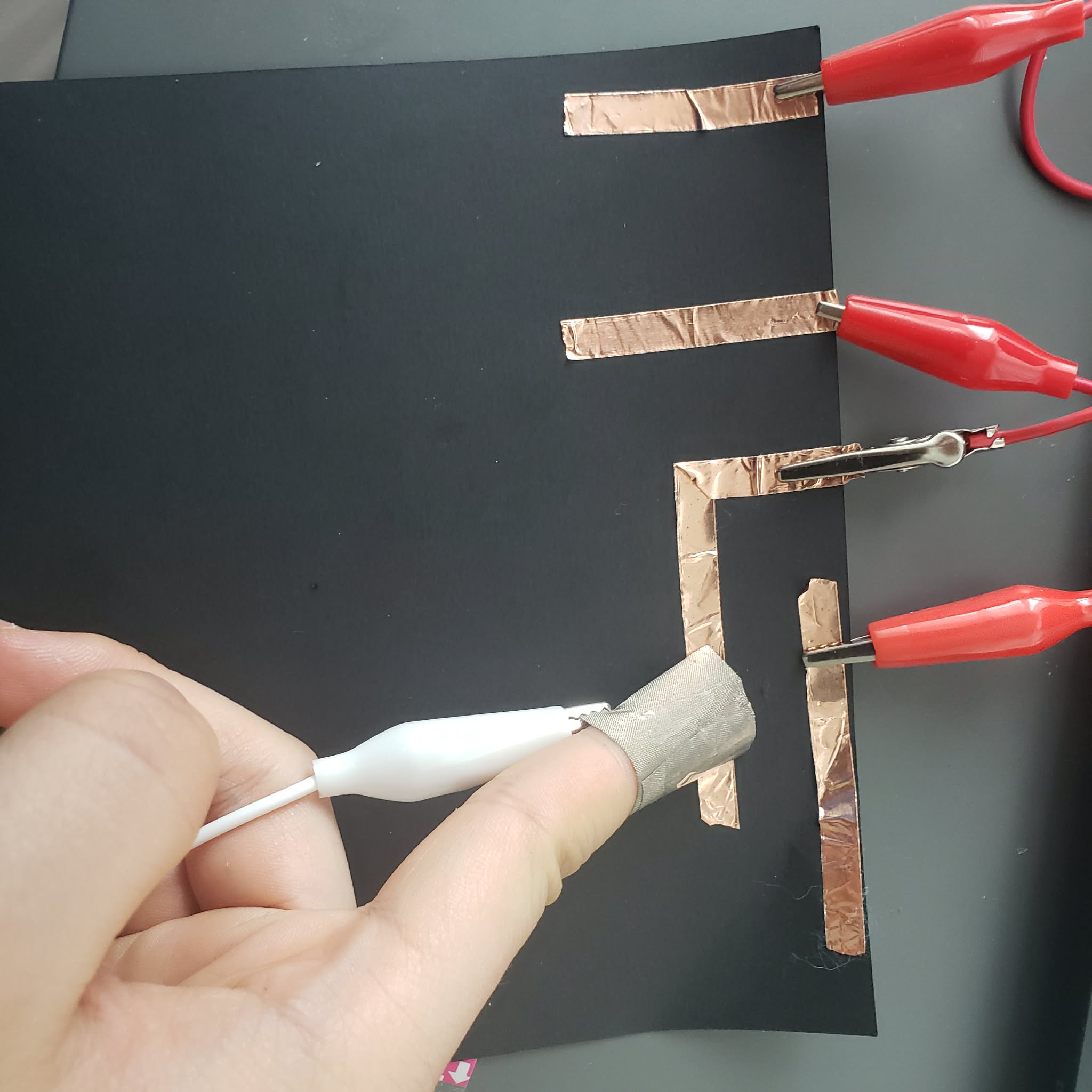
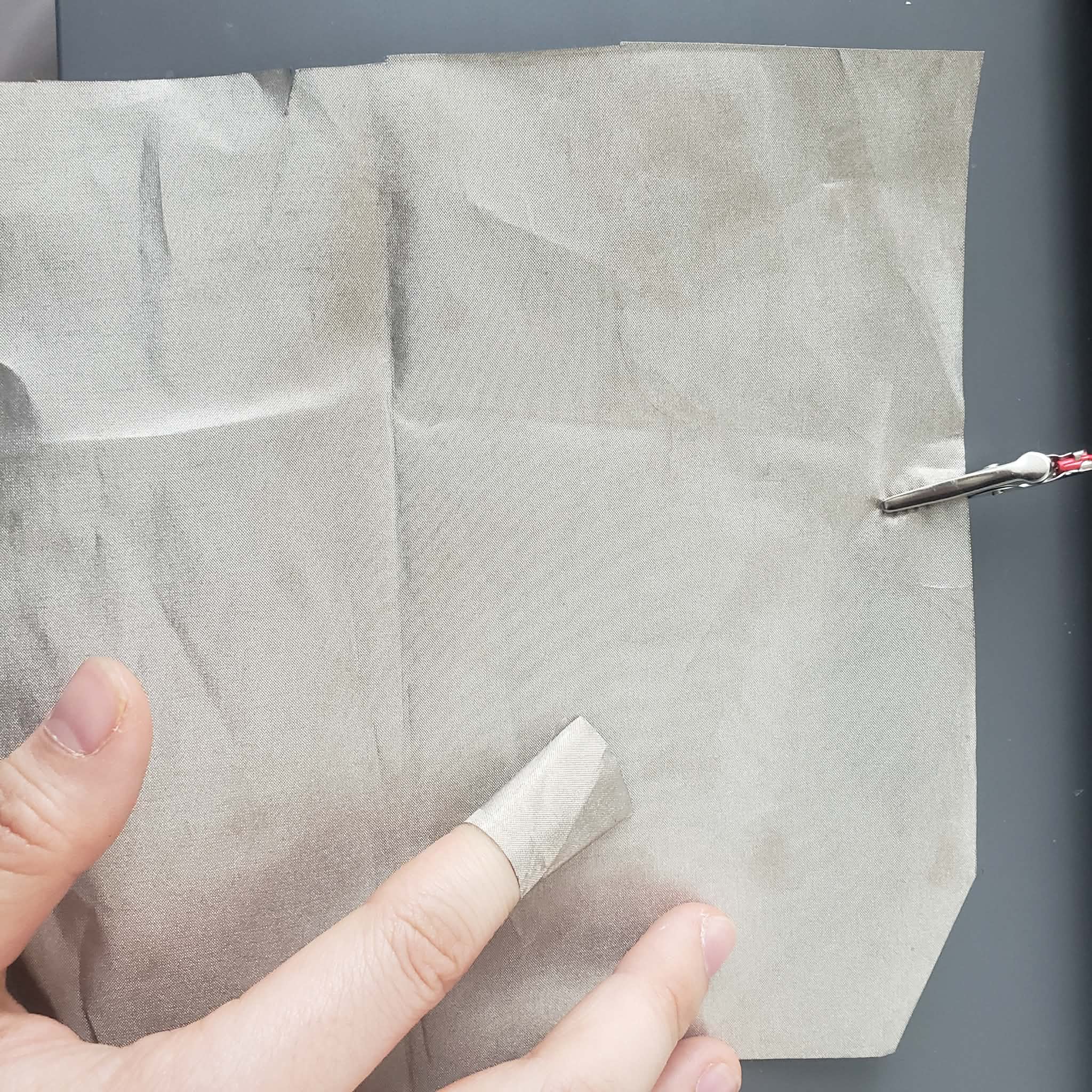
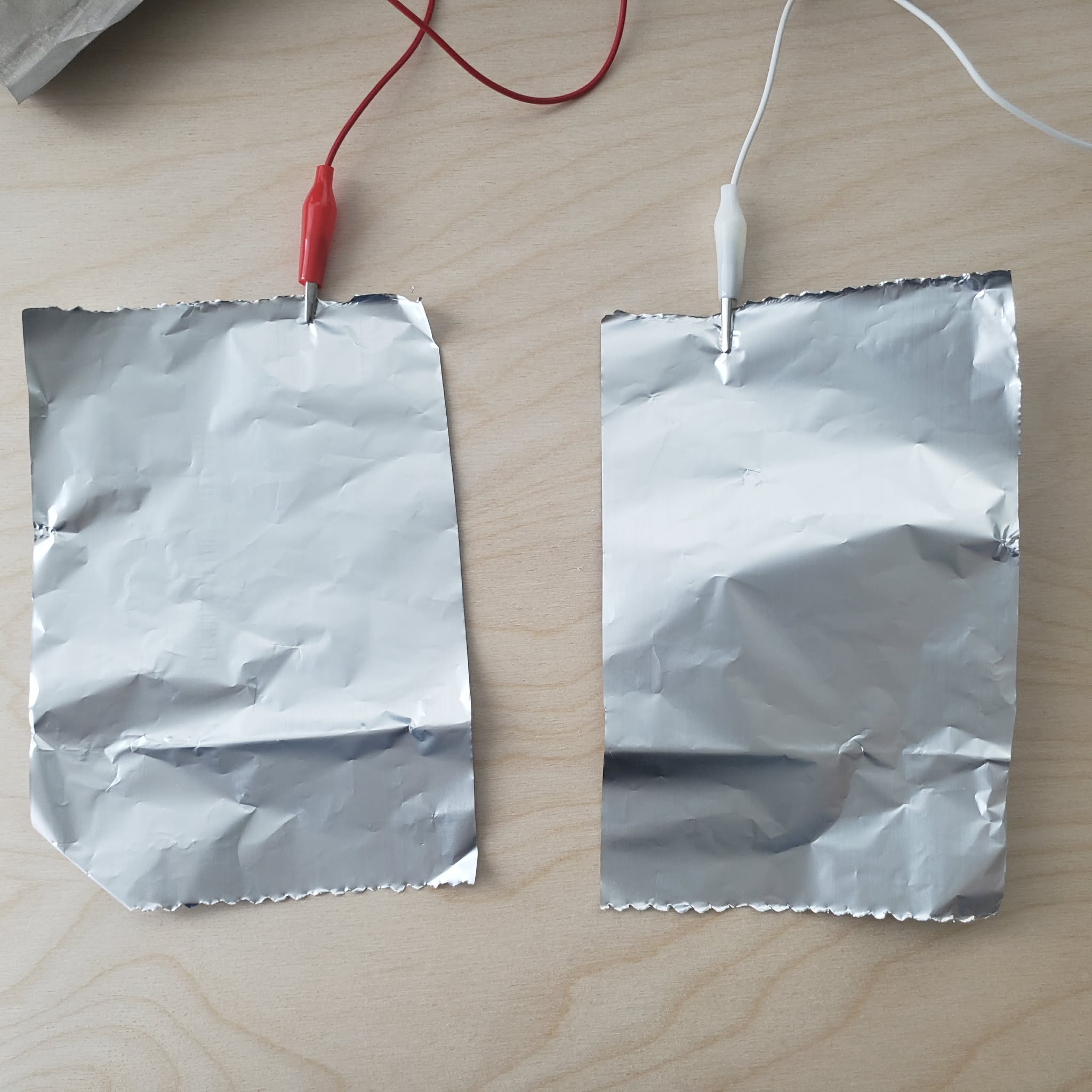
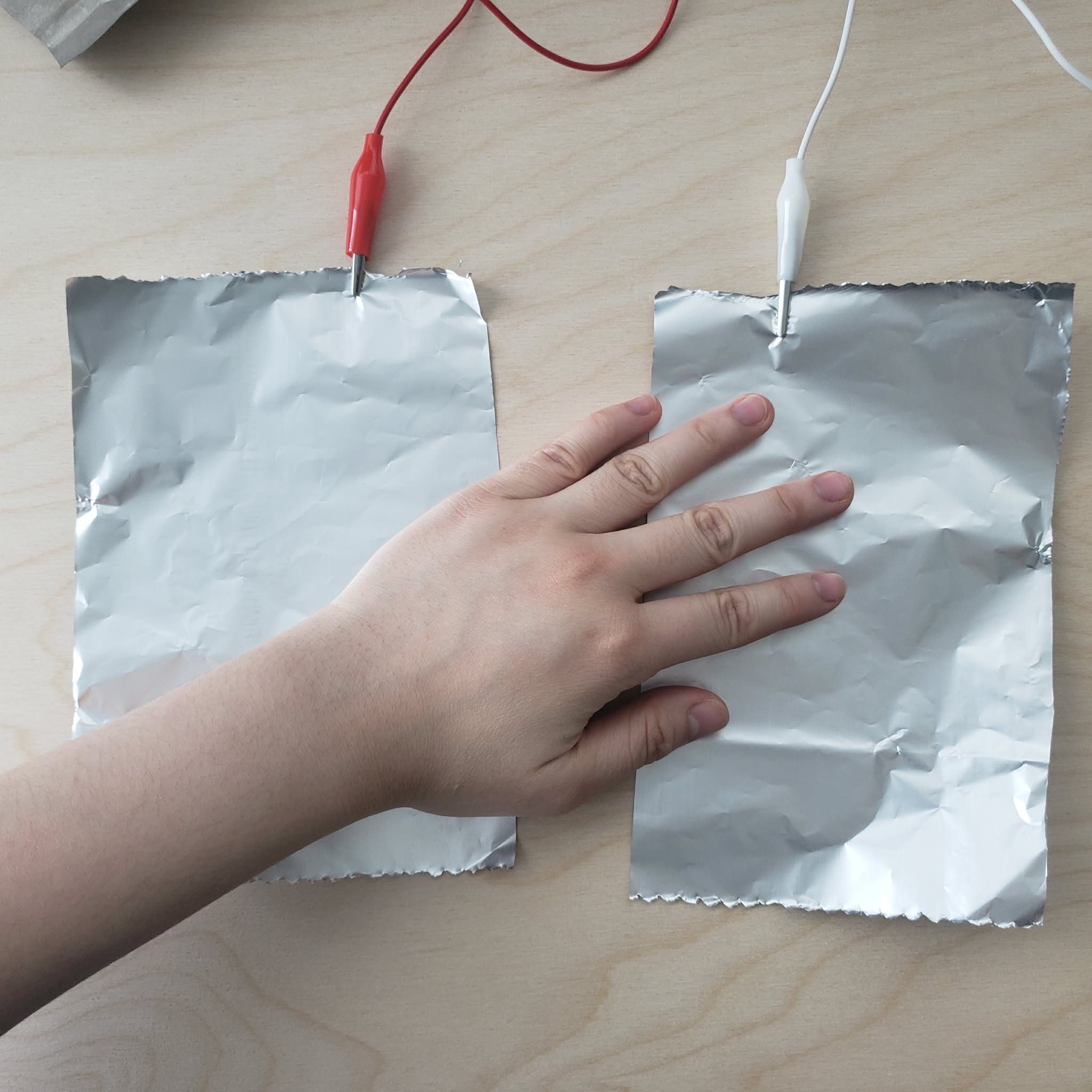
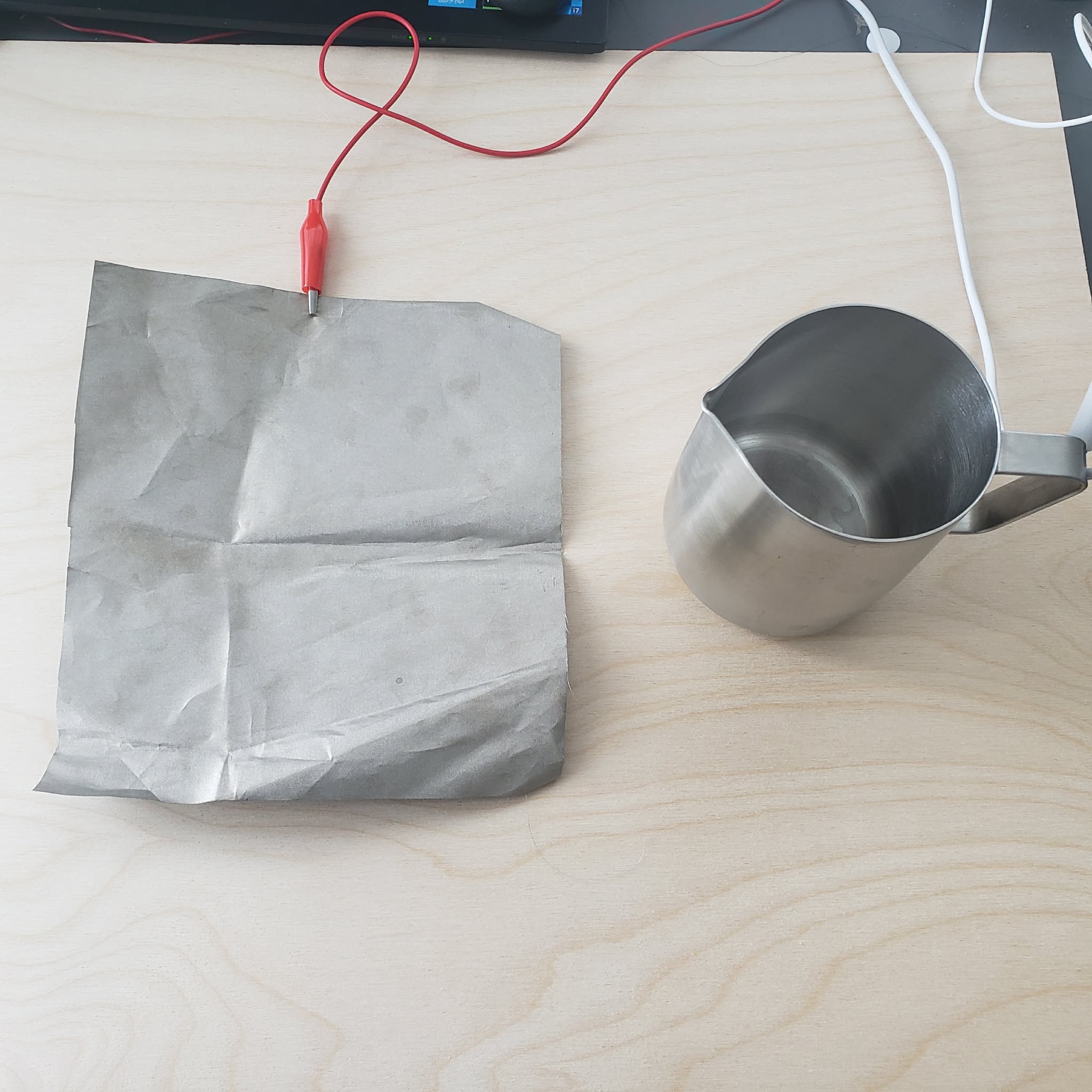
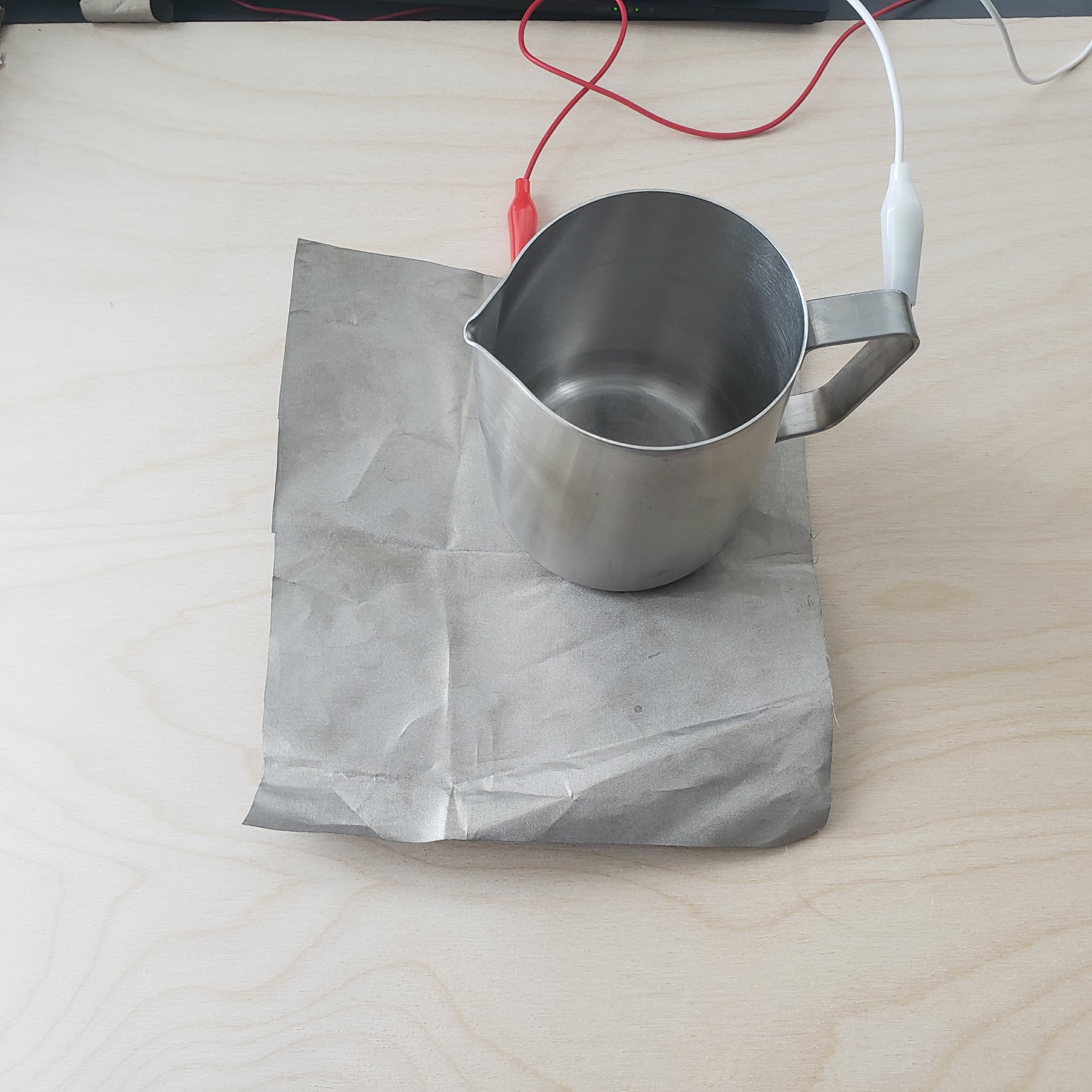
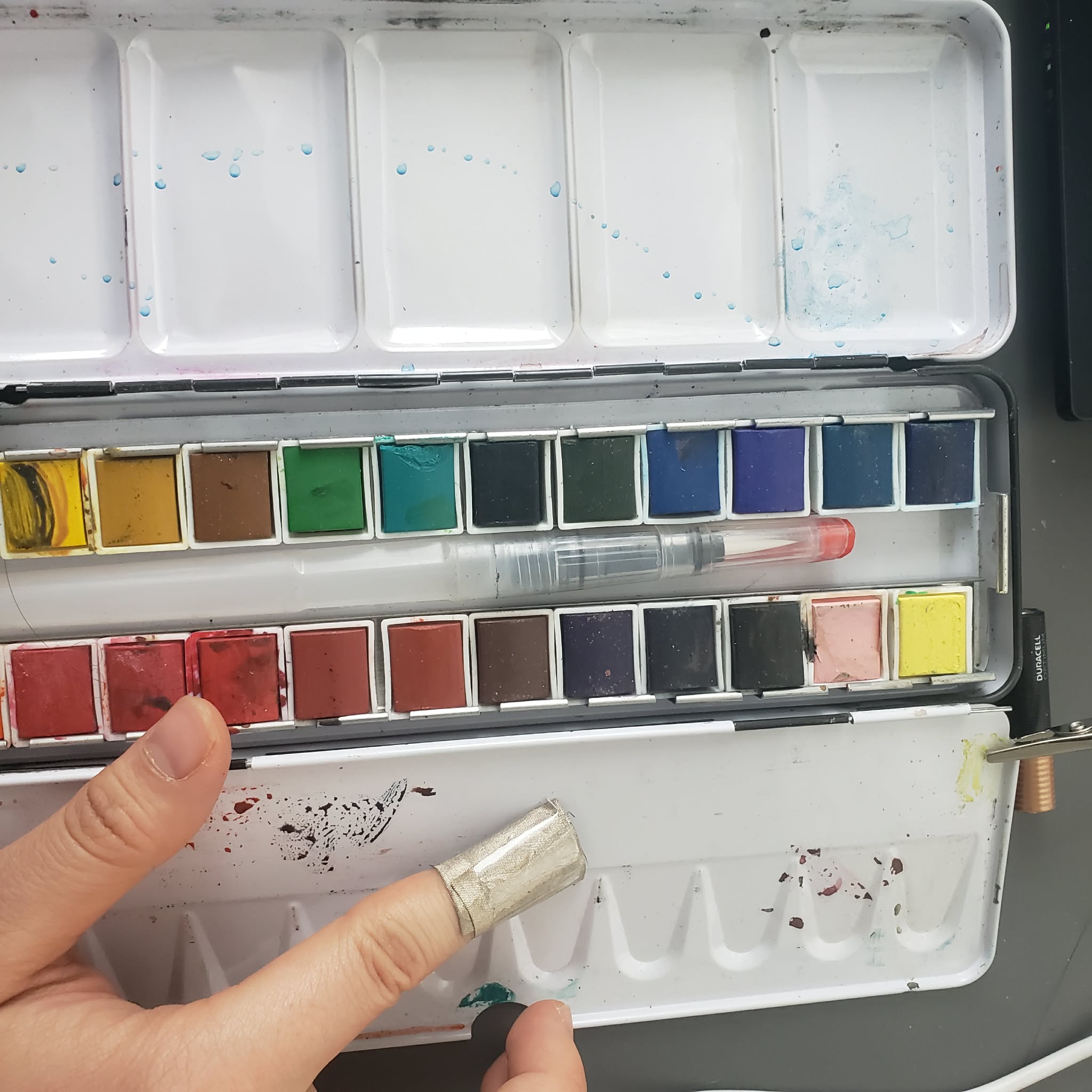
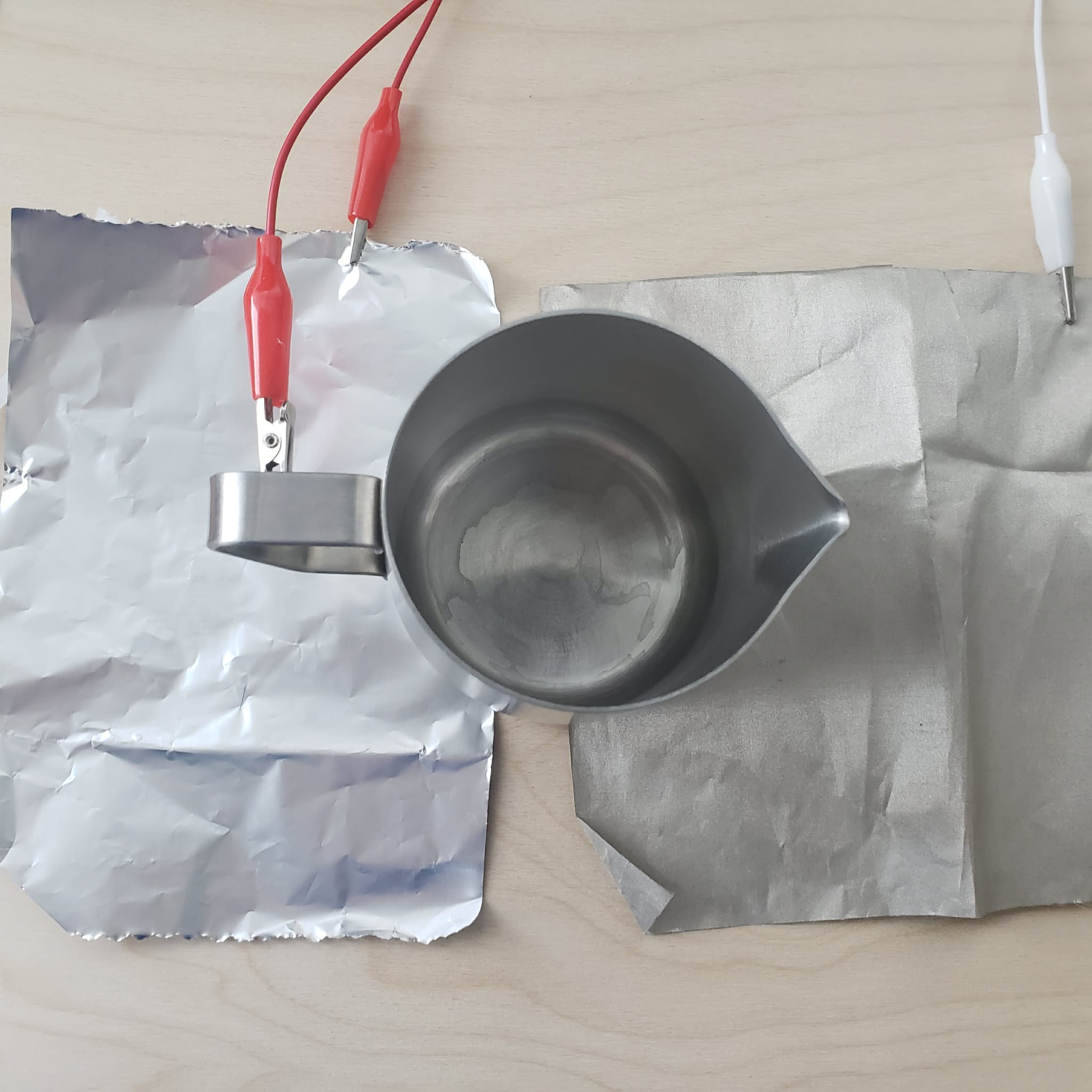
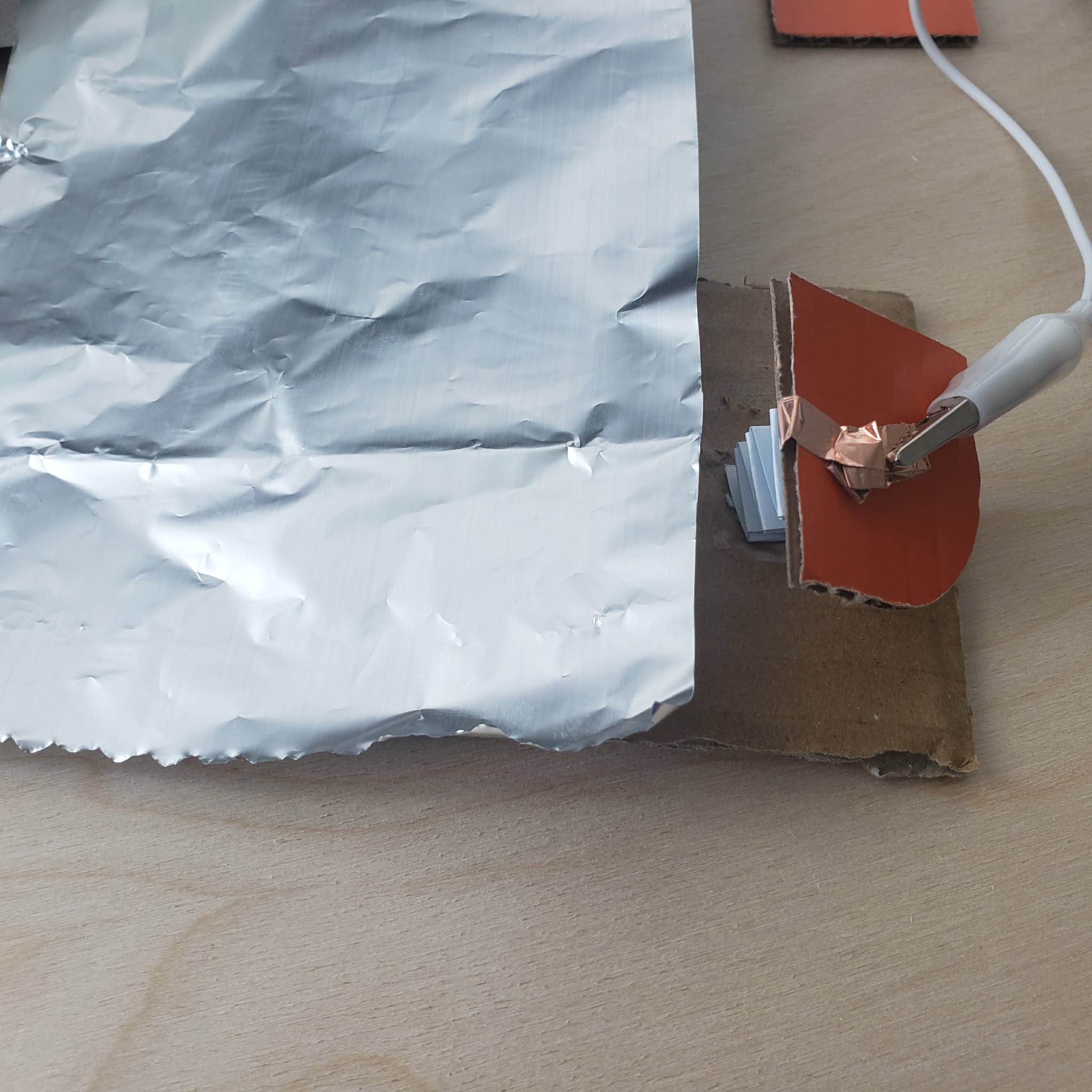
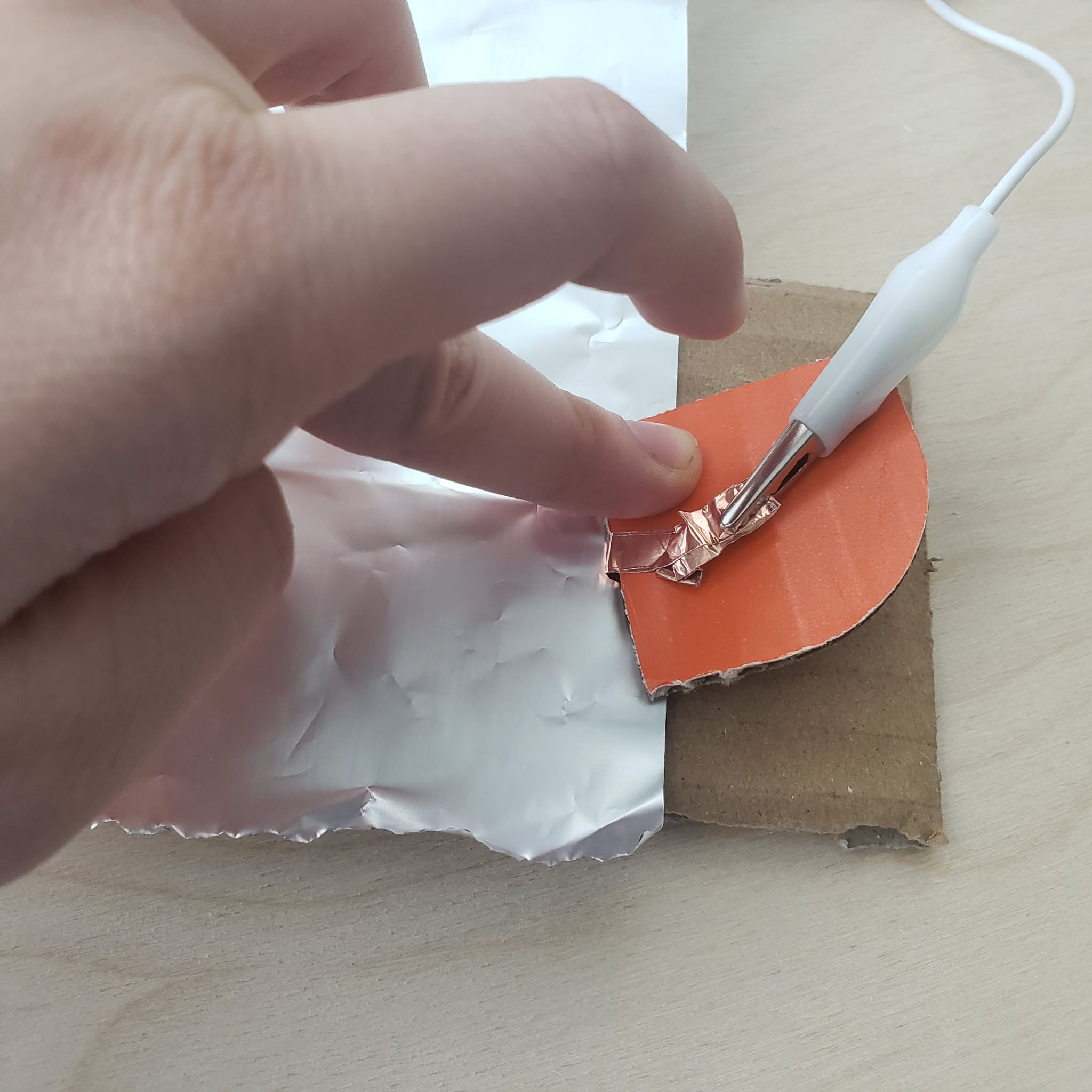
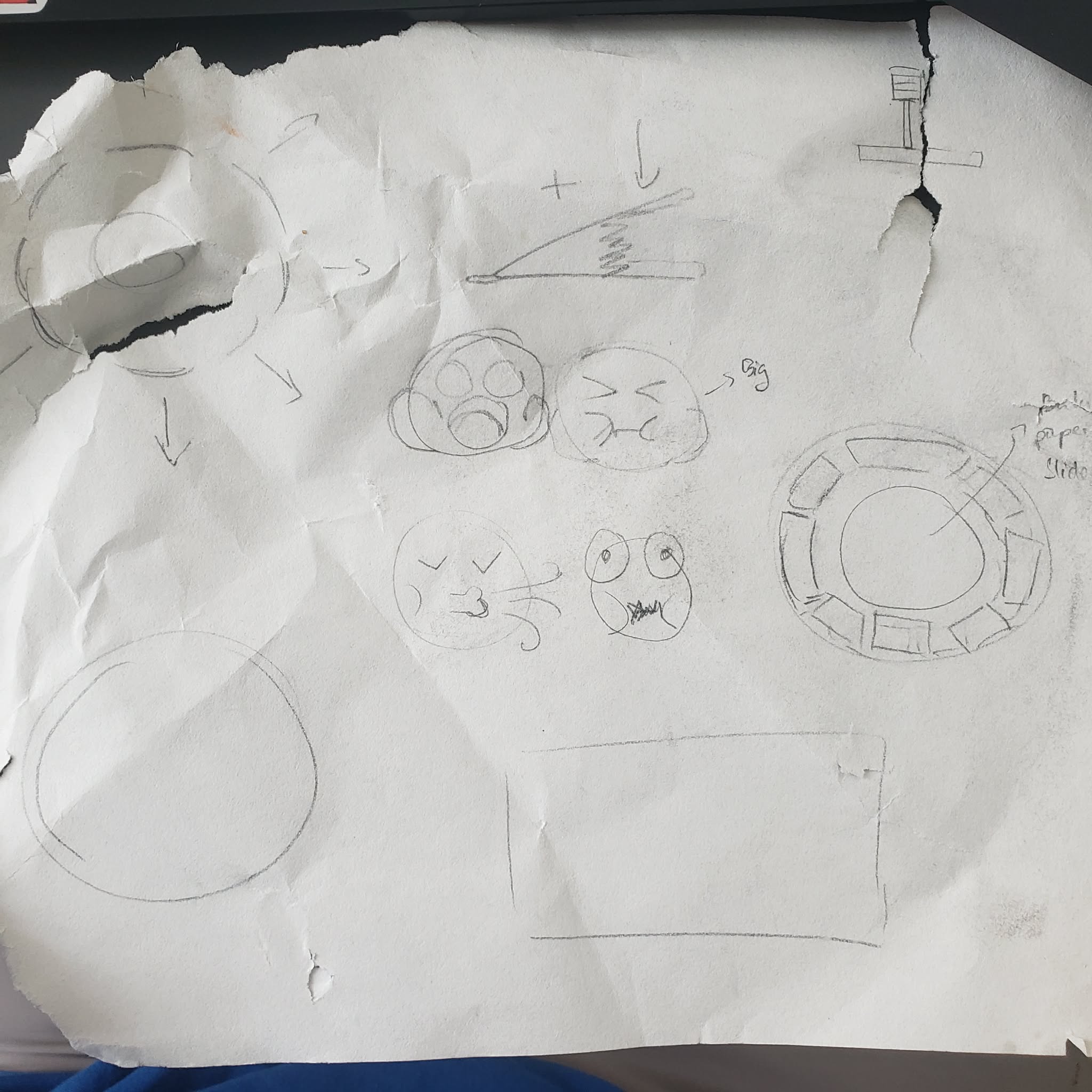
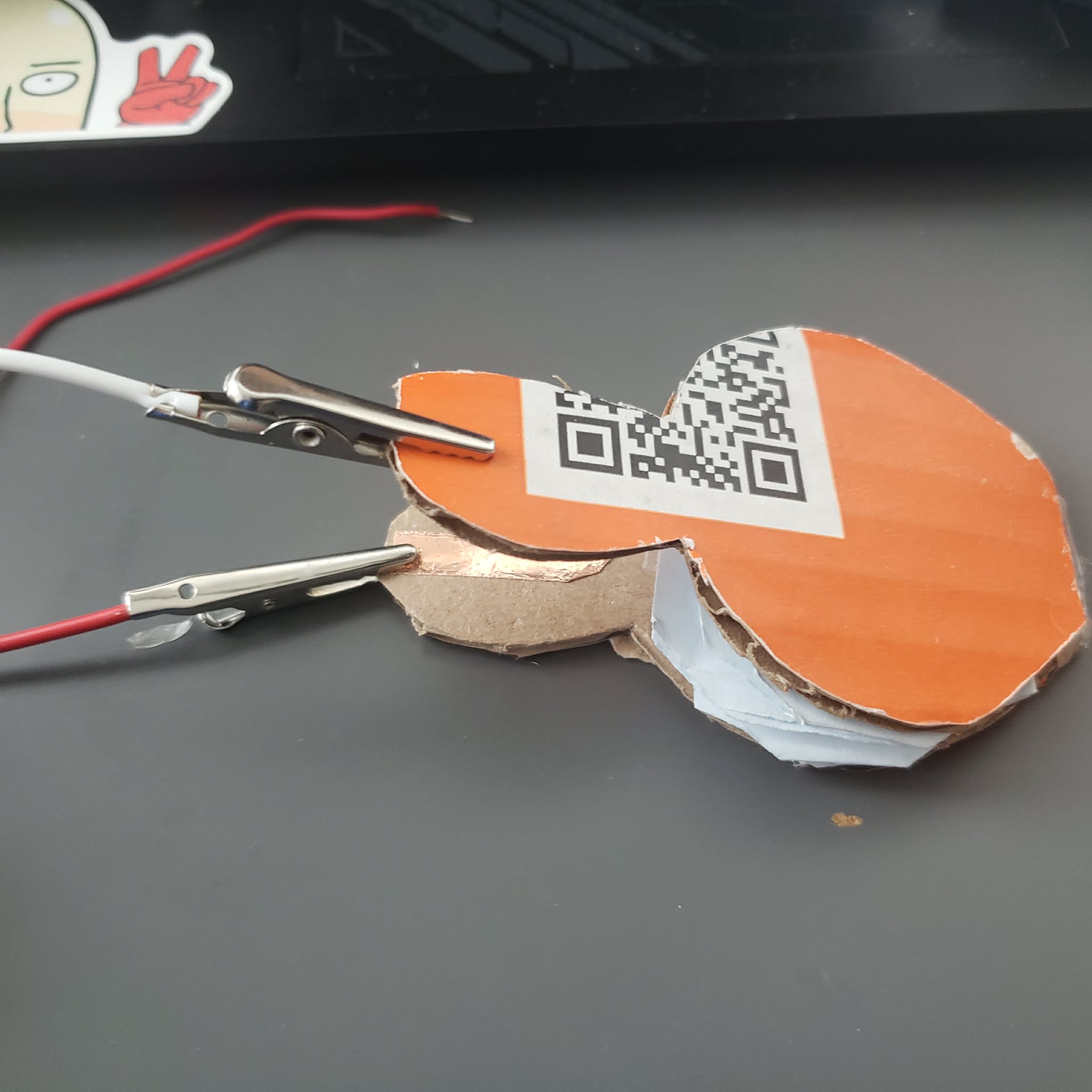
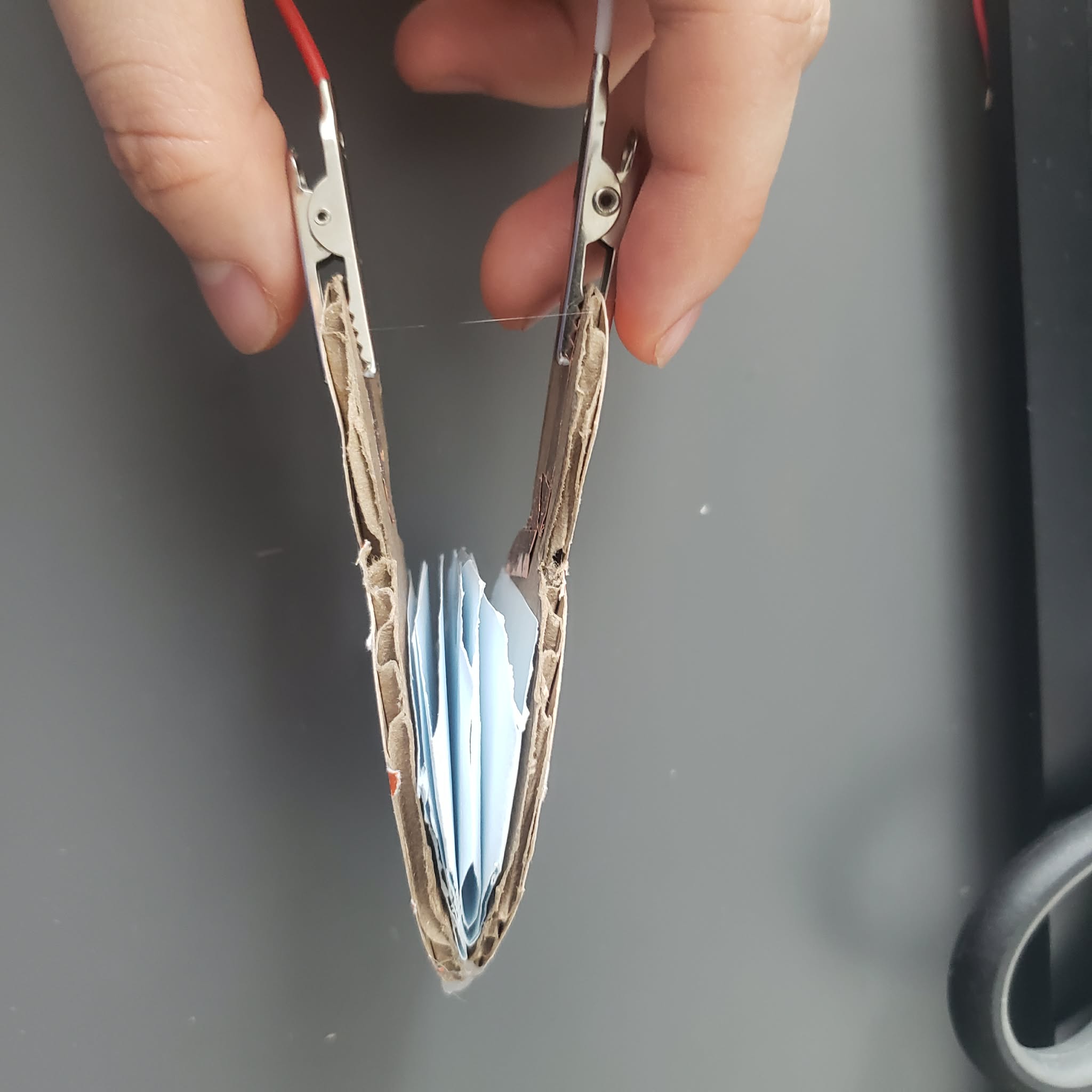
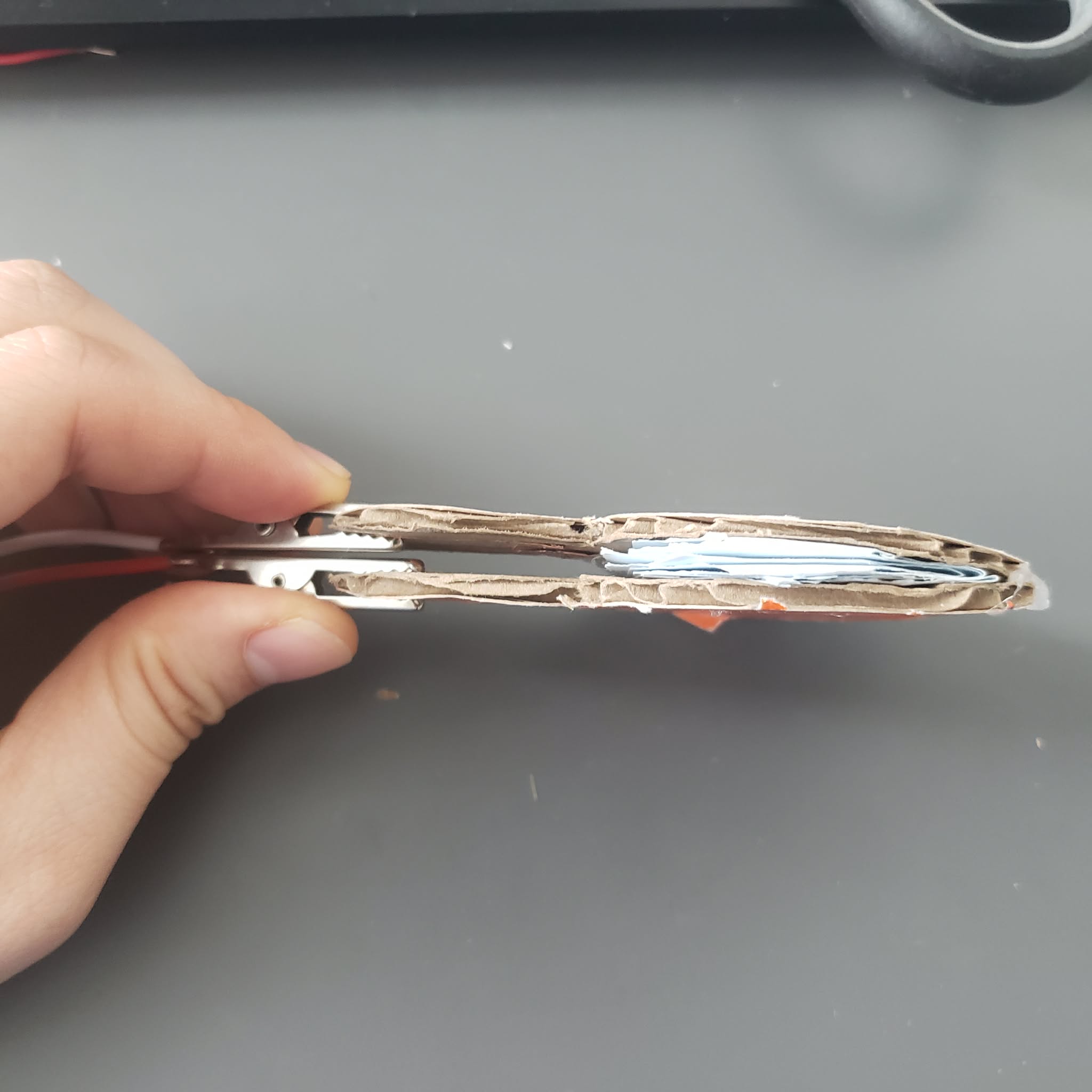
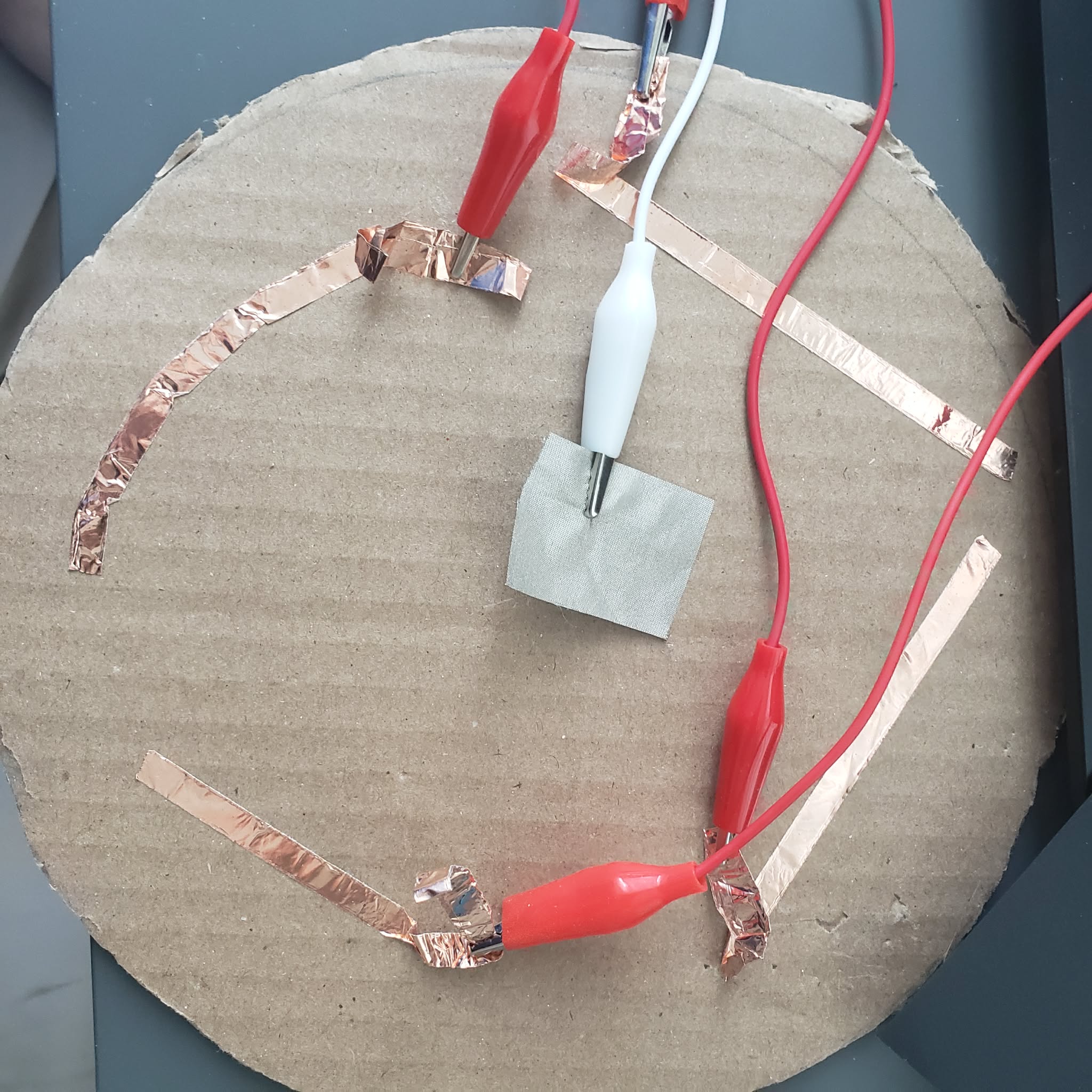
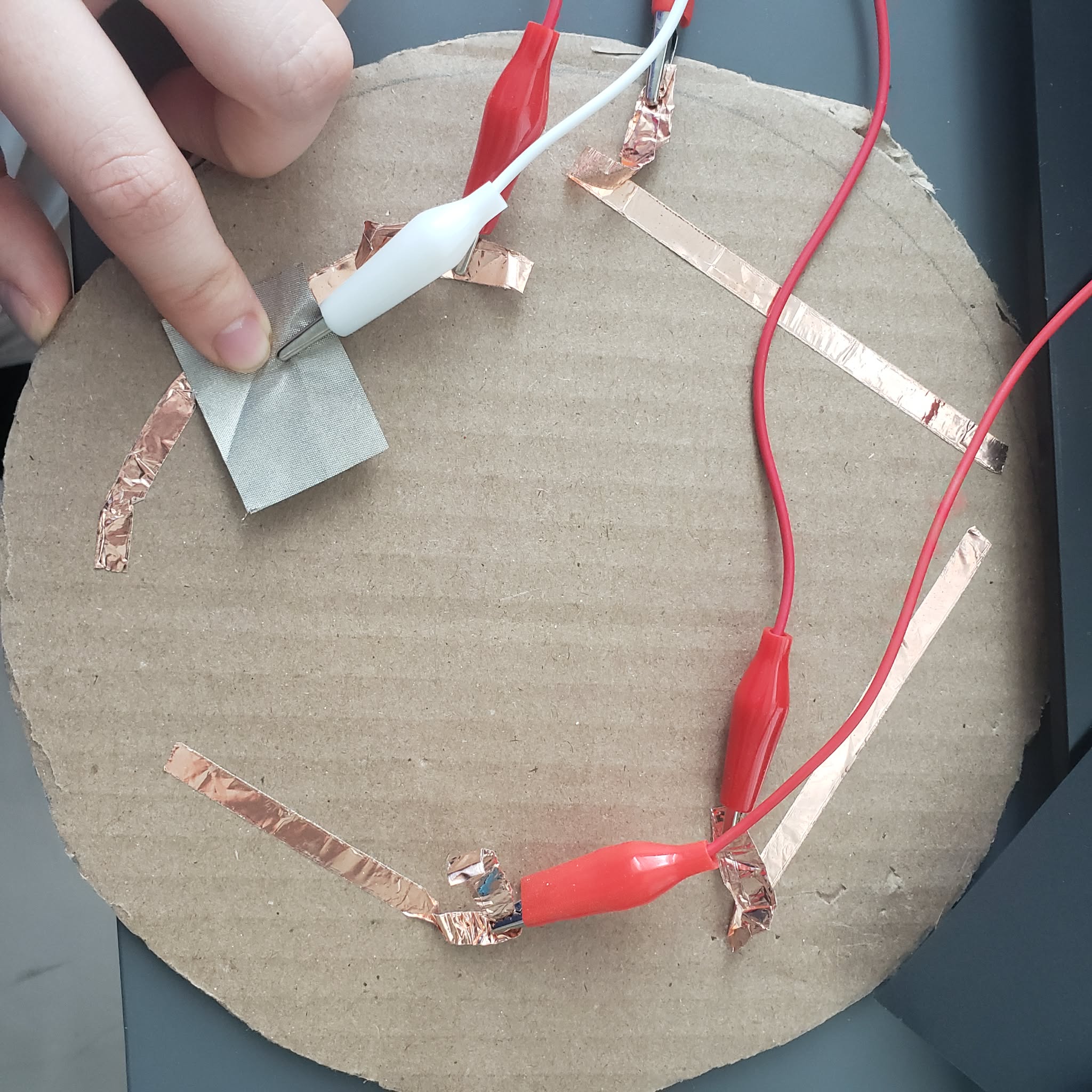
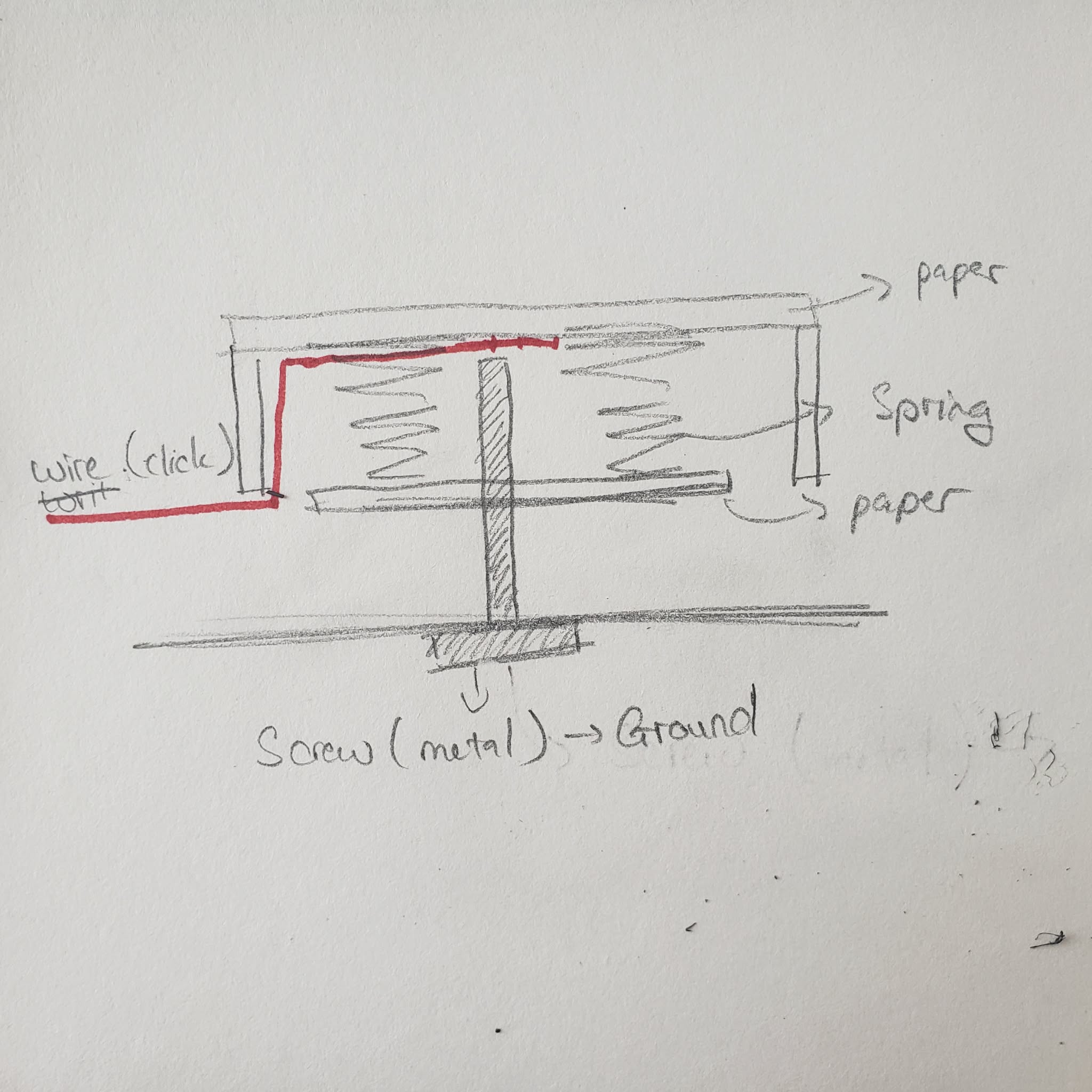
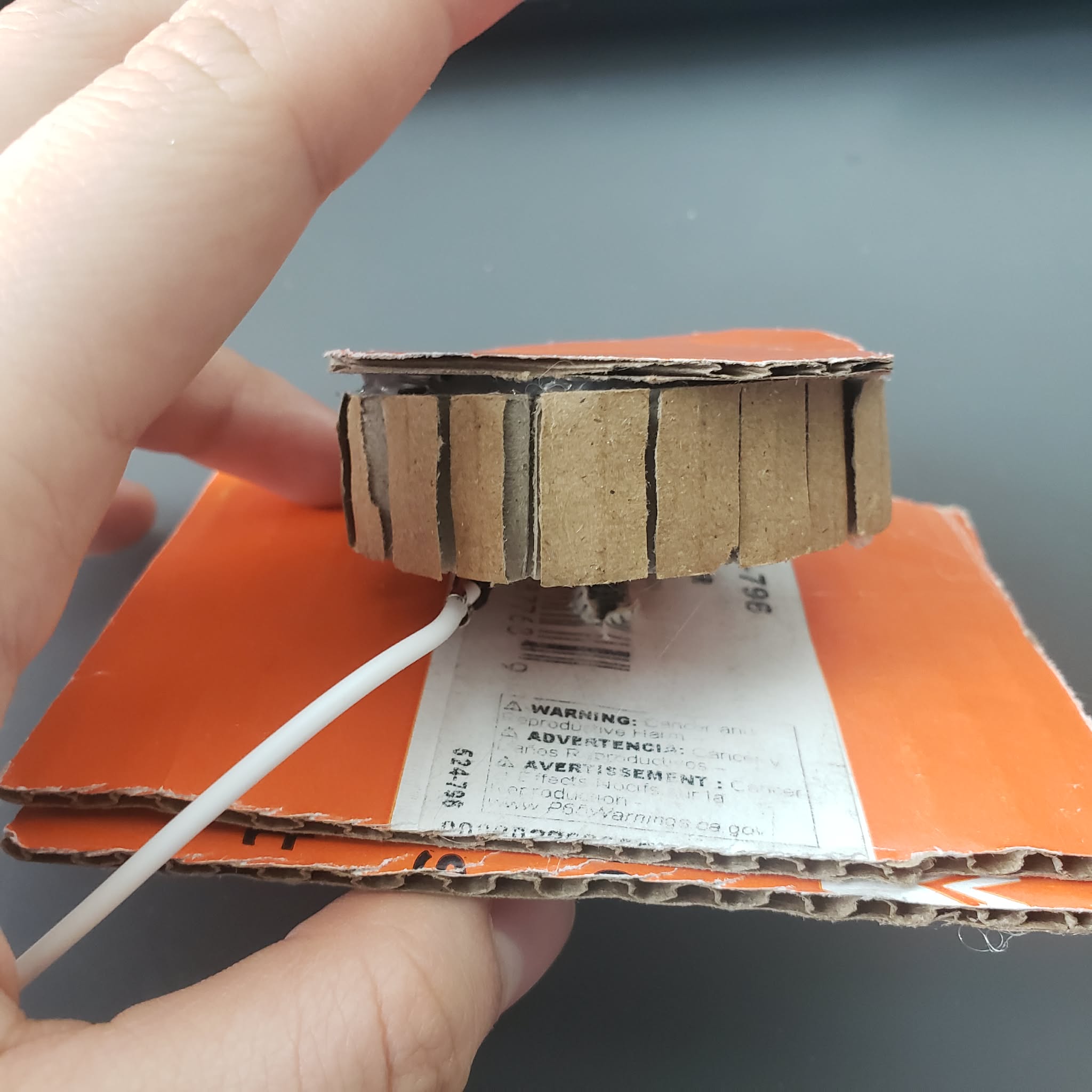
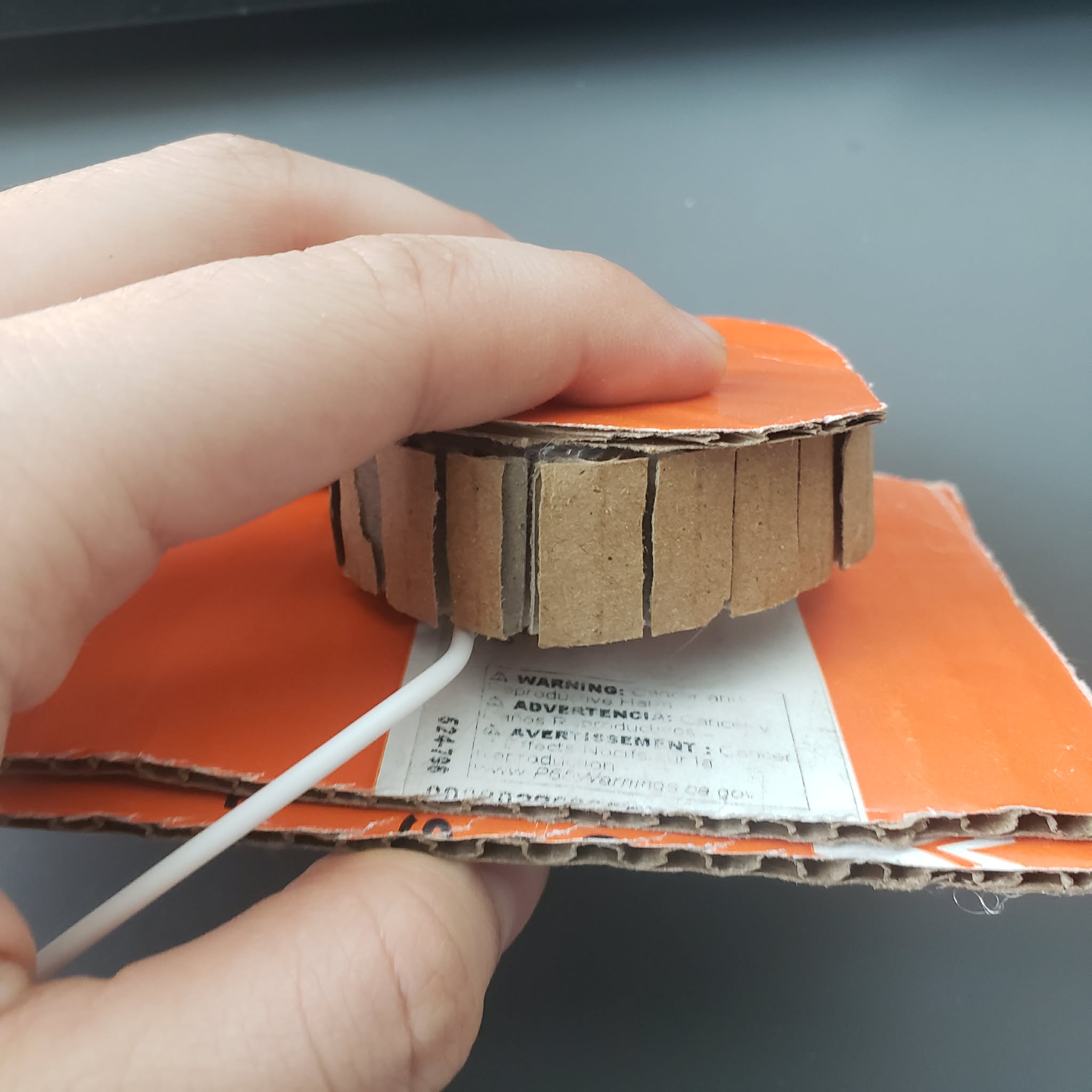
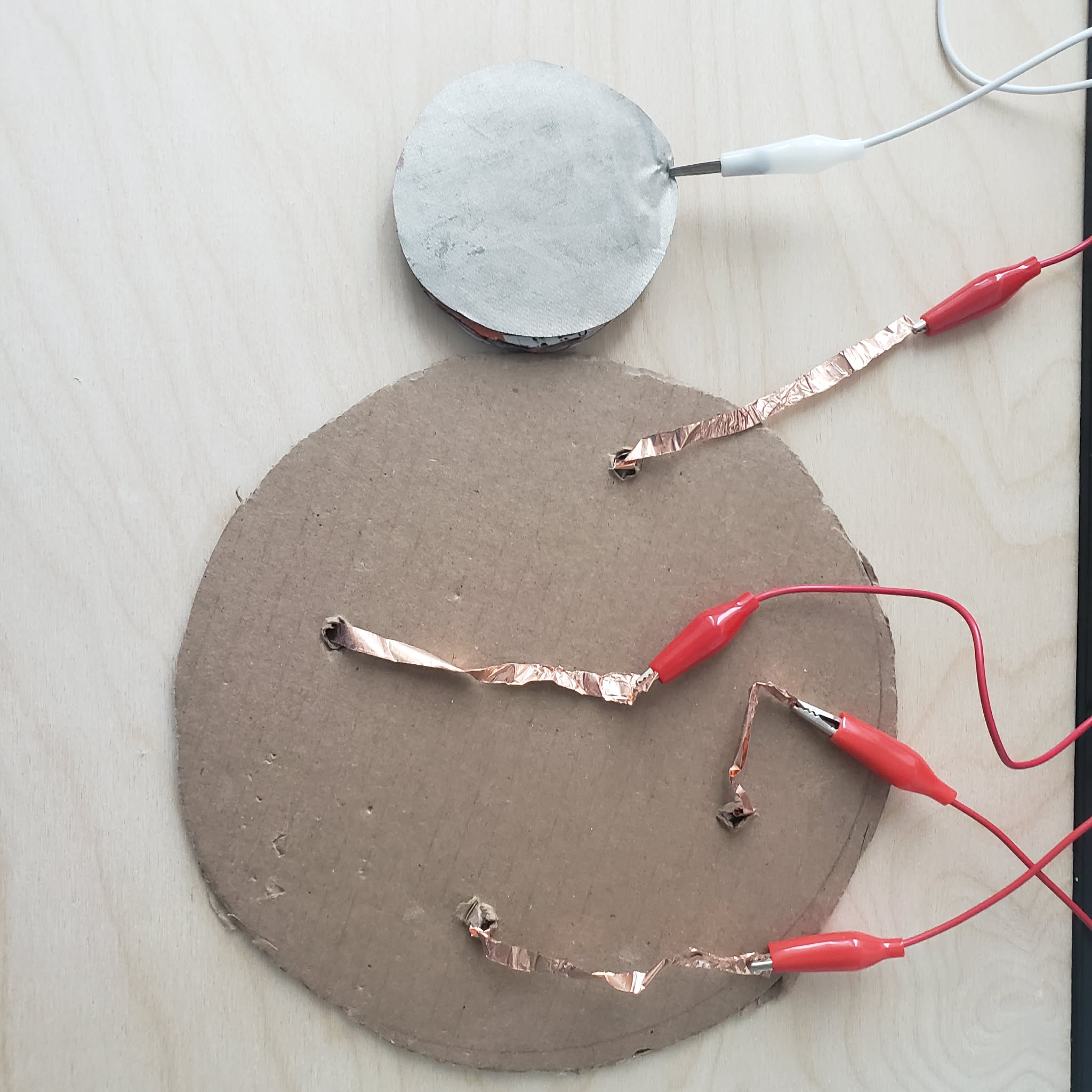
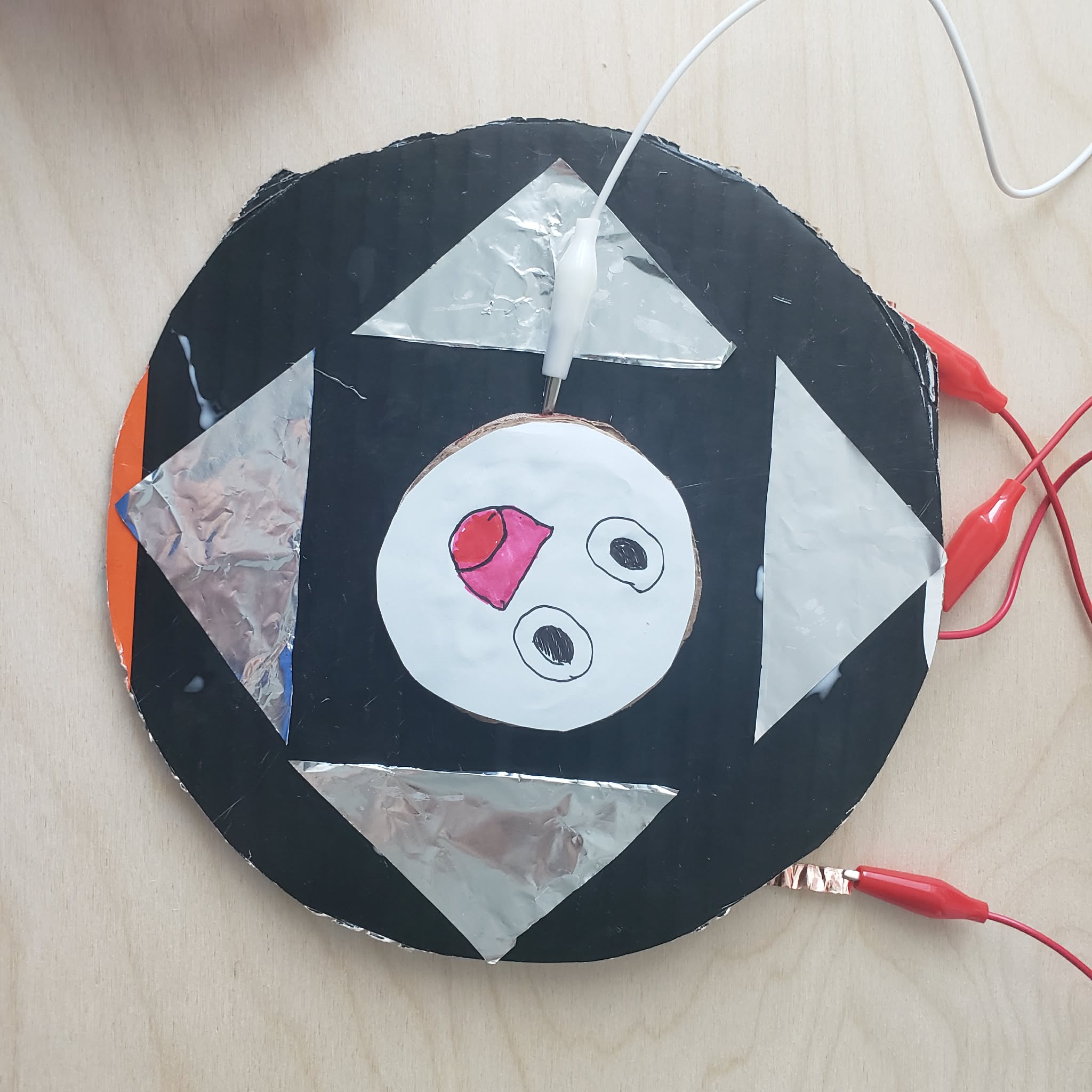
I try a most basic interaction using a conductive cloth and a piece of copper tape. I try a basic interaction using 2 copper piece. The copper piece are connected by folding the paper. I connect the interaction by touching the copper with the paper. I connect the interaction by wrapping a piece of conductive cloth on my finger and touch the copper tape. I connect the interaction by wrapping a piece of conductive cloth on my finger and touch another piece of conductive cloth 2 pieces of alluminium foil I connect the interaction by touching 2 pieces of alluminium foil at the same time. It was a surpise that it works. A metal cup and a piece of conductive fabric. I connect the interaction by putting the metal cup on top of the conductive fabric. I connect the interaction by wrapping a piece of conductive cloth on my finger and touch the metal paint container. at this pint I honestly just go around and look for whatever is conductive. I connect the interaction by putting the metal cup on top of the conductive fabric and a piece of alluminium foil. Turns out you can play 2 interaction at the same time. I try to make a spring that can revert to its old state. The interaction was connected when the button is pressed. This is a sketch of the game. I accidentally scratch it when making the prototype. This is a prototype of a Bellows. The alligator clip is seen clipping on the handle of the bellow. This is a prototype of a Bellows in its default state. This is a prototype of a Bellows when it is activated. You are supposed to push it down to make the 2 alligator clips to touch, completing the circuit. This is a basic prototype of the movement controls. The conductive fabric is connected to the ground. This is a basic prototype of the movement controls. The circuit is completed by having the conductive fabric touching the copper tape. This is a annotated side profile of the pump needle. This is a prototype of a pump needle. The ground is connected to a screw inside the prototype. the white wire is the alligator clip that connected to the copper tape This is a prototype of a pump needle. There is 2 pieces of paper spring that would return the button the its default state if it is pressed. This is the back of the controller. The copper tape is connected to the alluminium foil at the front. This is the front of the controller. You can interact with it by moving the character to each arrows. You can also move two ways at the same time because of how big the character handle is.

Project 3


Final Project 3 Design

A maze game where you have to become bigger and smaller to move around.

Click here to see it working on p5 Editor
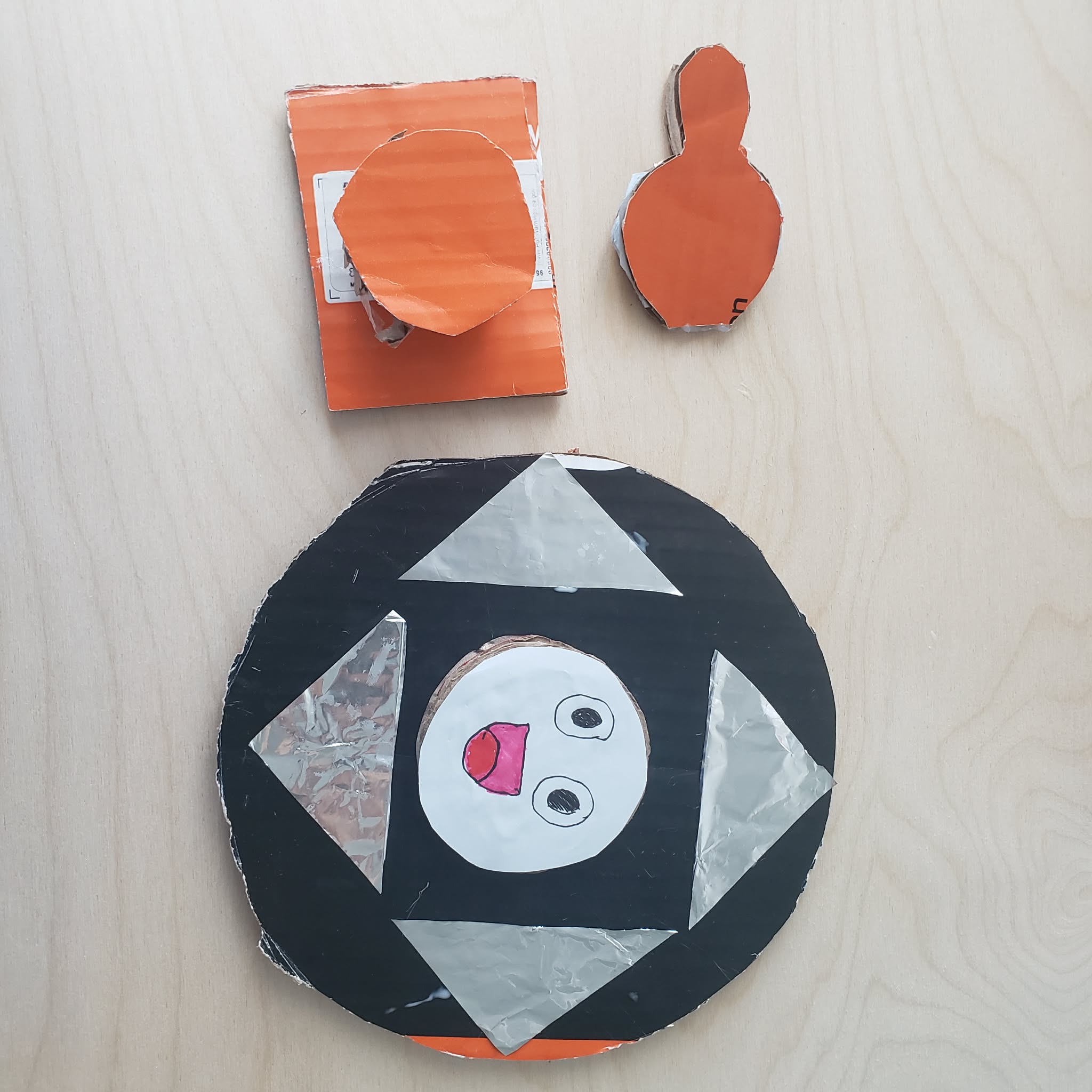
This is all of the controller that we use. This is the digital interaction of the maze. Press the bellow (click) to go big and the pump needle (space) to become smaller.
×

Powered by w3.css